Author: WorkingHarder

  • Poco F5 – Long Term Review

    Poco F5 – Long Term Review

    Or as a second title: Three years of daily usage of Xiaomi’s mid-range device, named Poco F5 (marble)

    I would start this long-term review with a premise – the king will stay alive, it will not be buried, it will be reused as I have noted that most of my older devices have the legendary 3R process: reuse, repurpose, and lastly if it can’t be used – recycle, from the blog post here.

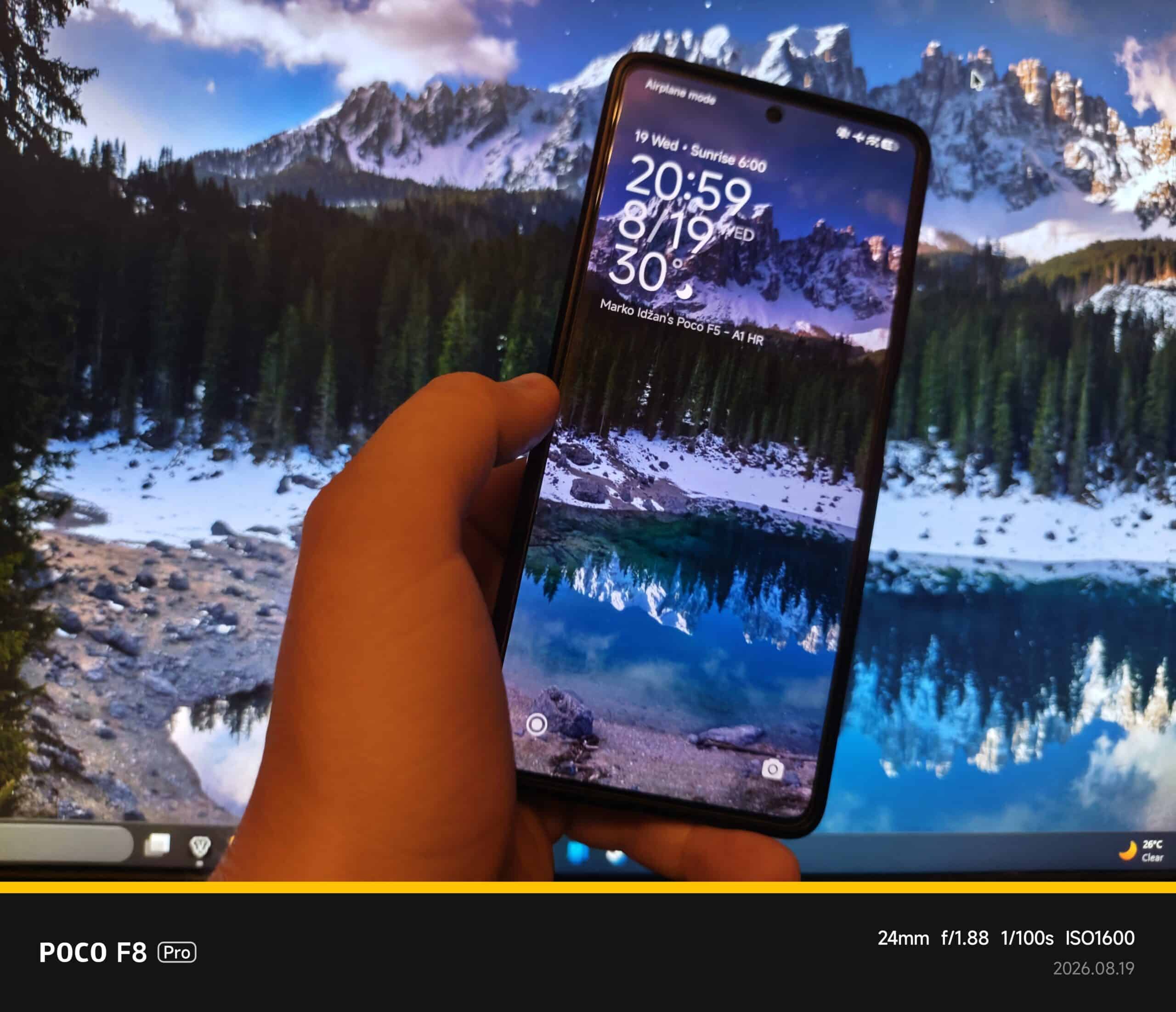
    Now to the meat and potatoes, how it is to end the career of a 3-year-old device and start fresh with a new Xiaomi device (yes, I didn’t move brand even if I could, had some options in the price range of 500-600€ right now like Motorolas, Samsungs, Honors, or even Nothing Phones) which is the Xiaomi Poco F8 Pro in the 12/512GB variant in a black colorway (classic). For me it’s a bit strange as the new device is bigger than the old Poco F5, but software-wise (both on HyperOS 3.x but on Android 15 and Android 16 respectively) and migration is easy (relatively, one app is keeping the old device still not reformatted, dang it, the banking application for which I need to go to the bank to push new codes for the new phone and even enable Google Pay on the new device so I do not need to call them to enable it).

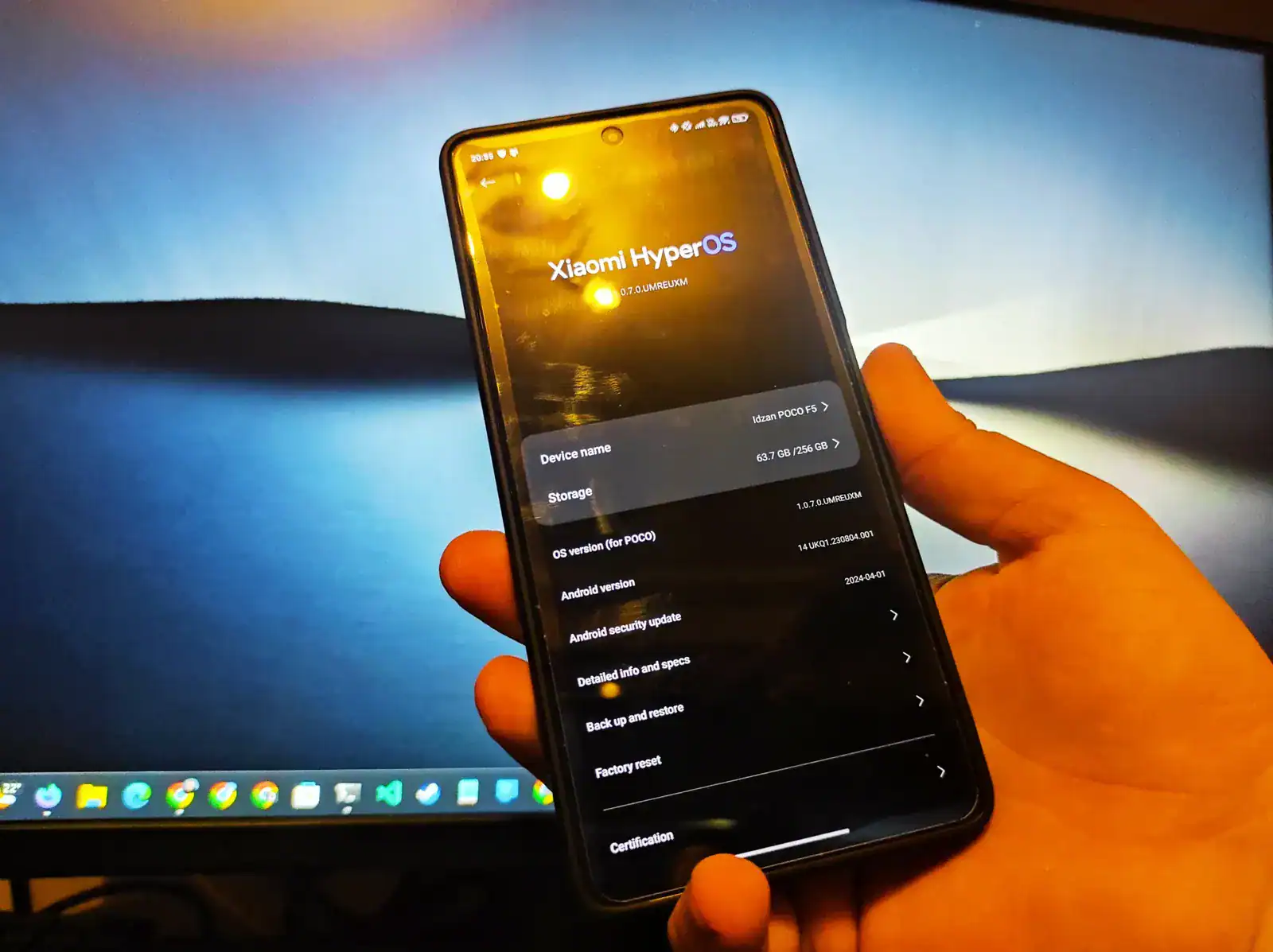
    From the original review I’ll keep specifications which I didn’t change or had any issues with, and even for that price back then in 2023 (500€) it was a higher-end mid-range device with Snapdragon 7+ Gen 2, glorious AMOLED display which I now even like on the new F8 Pro even more, reliable and maybe sometimes stingy fingerprint reader on the side, but those are quirks of these specs. And yes, later found that the Poco F5 had an 8/256GB model while I owned a 12/256GB model which for me and 3 years of usage is still enough, never filled it up as I regularly back up data, especially photos, videos, and important data off-site and on other media.

    Now to the meat and potatoes of this review – how it was to use the device for three years, support, did you need to contact them, did you have any issues with the software?

    Firstly let’s start with support from Xiaomi: I wasn’t expecting that this device would get 3 major Android updates as my previous phone, the Redmi Note 9, got only 2 major Android updates and 3 years of security (MIUI) updates, while this phone got 3 major Android updates and 4 years of MIUI and down the line HyperOS updates until May of 2026. Yup, the latest update that it got for my EEA/EU region had a security patch from May 2026, which for me is fine at the moment of moving to the new device.

    Now to support regarding contacting them because of phone issues: didn’t have to do it, except to make reports using the Feedback application as one app had crashing and turns out that crashing was from the application, not OS based, and the software developer fixed it within a few days of contacting them with logs and screen recordings/screenshots so they knew what the issue was. As I wrote previously – if you can make photos, videos, logs etc., it can help so a fix can be deployed easier.

    Software-wise issues I had, and that was from my side as I had “bricked” the device with unlocking the bootloader back in earlier days to install a Xiaomi.eu based firmware and when I found, oh no, the banking app doesn’t work, reverting to stock EU/EEA from MI (Global) it went first scheisse, cable issue too, phew, it was just the cable and the phone stuck in Recovery Mode 😅 After that escapade I’m waiting until I move all apps to the new device to try again with bootloader unlock and flashing some custom ROM to give a try, didn’t do it for a long period of time.

    As for cameras – as I mentioned in the original review – they are fine in daily usage, photos, videos etc. Even front-facing camera. In night mode it can be a bit more difficult to make photos without a flashlight. I used it for all kinds of photos which include nature, car photos, random videos in various resolutions, and even making scans from photos in appropriate applications. Even with GCam mod it can make great photos as mentioned in original review. Some newer examples can be found here in the Gallery link.

    And to end this long-term review, let’s just get the electric guitar, prepare riffs and edits of a song created just for this review using custom lyrics, proofreading, and helping out with some things using Proton Lumo+ AI, and for final release and sharing using Suno AI 5.5 Pro and Distrokid.

    Let the lyrics say it all and a salute to the Poco F5:

    Three years… damn it
    Seems faster than it is
    Three years… oh my
    Three major Android updates, officially
    And unofficially… even more

    Got you as replacement
    For my three-year-old Xiaomi Redmi Note 9 Pro
    My POCO F5
    Bought you off contract, black as night
    Price was fair and the color was — chef’s kiss
    After issues with a Samsung on contract
    And a service center nightmare
    Buying phones off contract
    Like my Redmi Note 9 Pro before ya
    That’s my go-to now, yeah, that’s my way

    No contract chains, no carrier game
    Just me and my phone, a freedom flame

    POCO F5, you mid-range beast!
    Survived my daily usage for three years at least
    GPS, Wi-Fi, 5G, Bluetooth too
    Dark mode on and batteries pushin’ through
    My daily device – ooo-ooo-ooo!

    Specs-wise you were mid-range specced
    But in my heart, you were flagship-killed
    No need for latest and greatest hype
    And for the price that I bought you
    Wasn’t expectin’ three years of support
    But you delivered – yeah, you delivered

    POCO F5, you mid-range beast!
    Survived my daily usage for three years at least
    GPS, Wi-Fi, 5G, Bluetooth too
    Dark mode on and batteries pushin’ through
    My daily device – ooo-ooo-ooo!

    Cameras? Man, you rocked in my usage
    Photos, videos — top notch, no excuses
    4K 30 with OIS smooth
    1080p 60, no problems to prove
    Front-facing cam? No problemos, señor
    GCam mod? 64 megapixels, ¡claro!

    POCO F5, you mid-range beast!
    Survived my daily usage for three years at least
    GPS, Wi-Fi, 5G, Bluetooth too
    Dark mode on and batteries pushin’ through
    My daily device – ooo-ooo-ooo!

    Now after three years as my daily
    Time to pass the torch, it’s not easy
    Got a replacement, new Xiaomi phone
    Partially flagship on paper
    But in my heart — it’s a fully flagship killer too

    Oh, new POCO F8 Pro
    Battery beast – F5 gave me three and a half days
    Hope F8 Pro gives me even more
    From old to new, the torch is passed

    POCO F5, you mid-range beast!
    Survived my daily usage for three years at least
    GPS, Wi-Fi, 5G, Bluetooth too
    Dark mode on and batteries pushin’ through
    My daily device – ooo-ooo-ooo!

    Three years, damn it…
    Thanks for everything, F5
    You earned your rest
    Now it’s F8 Pro time.

    Full song on all music platforms including video can be found on the link here.

    Editor’s note: the text of this review is proofread for grammar and flow check using Proton Lumo+ AI models. Cover picture is my own, shot on Xiaomi Poco F8 Pro.
  • Ecovacs Deebot N20e: Cheap Robot Vacuum, Serious Cleaning?

    Ecovacs Deebot N20e: Cheap Robot Vacuum, Serious Cleaning?

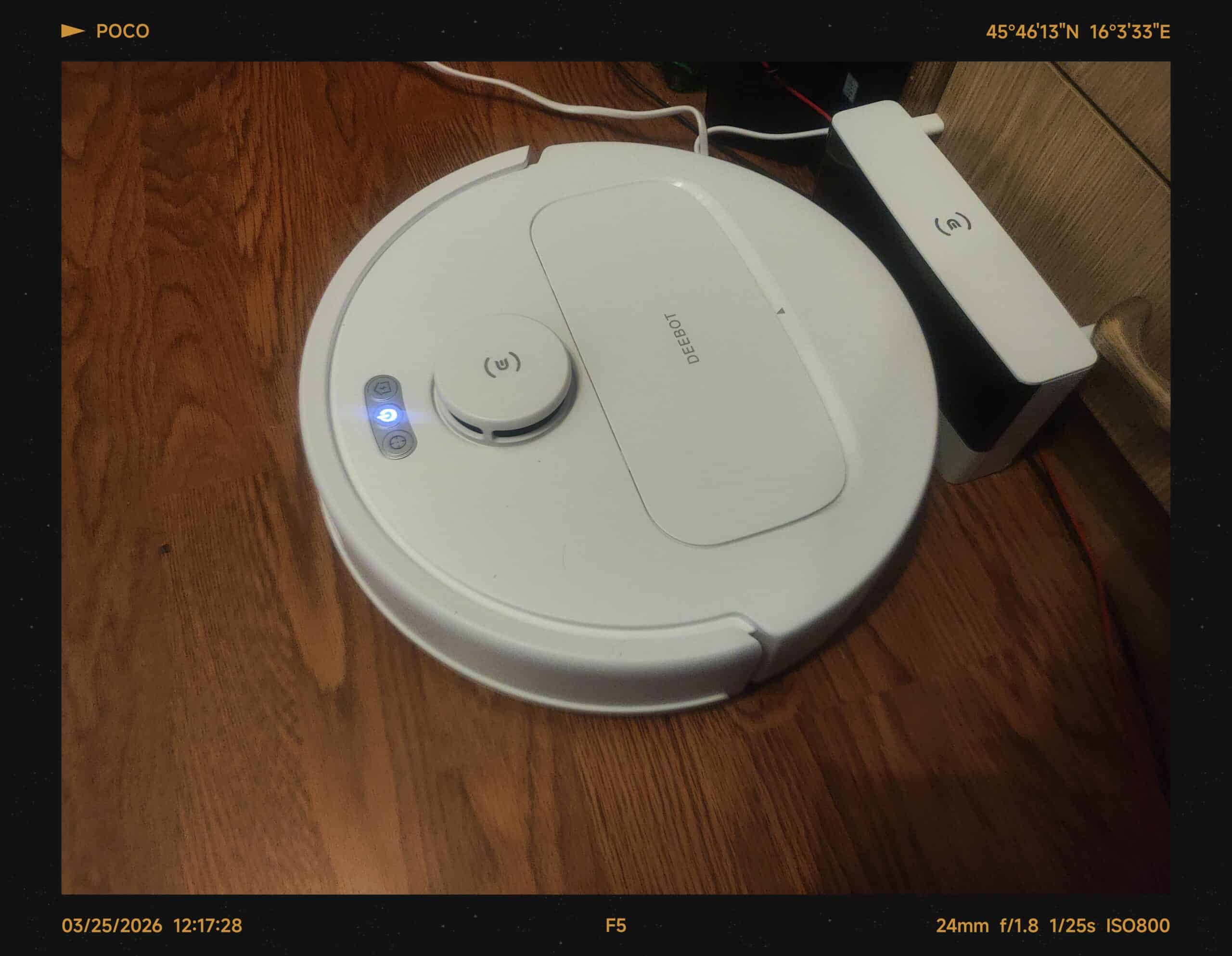
    Or better to be seen as: 4.5 months in, here’s a short and honest review of “Đurđa.”

    To set the premise: I wasn’t in the market for a flagship robot vacuum that costs as much as a used car. I was in the market for something that actually cleans floors without me having to think too much about it. Enter the Ecovacs Deebot N20e, picked up new from Lidl Hrvatska for 170€ — which, if you’ve looked at robot vacuums lately, is firmly in “best-buy under 200€” territory for a decent brand. Xiaomi’s offerings were a bit more expensive at the time, and honestly, I wasn’t about to pay extra for a name badge when the specs lined up just fine.

    But before I get ahead of myself — yes, we named it “Đurđa” from day one. All our IoT devices have nicknames: the Gorenje washing machine is “Đorđe,” the Hitachi AirCloud 400 AC combo unit is “Šemso.” Ah, the Balkans and naming things. It just feels right, you know?

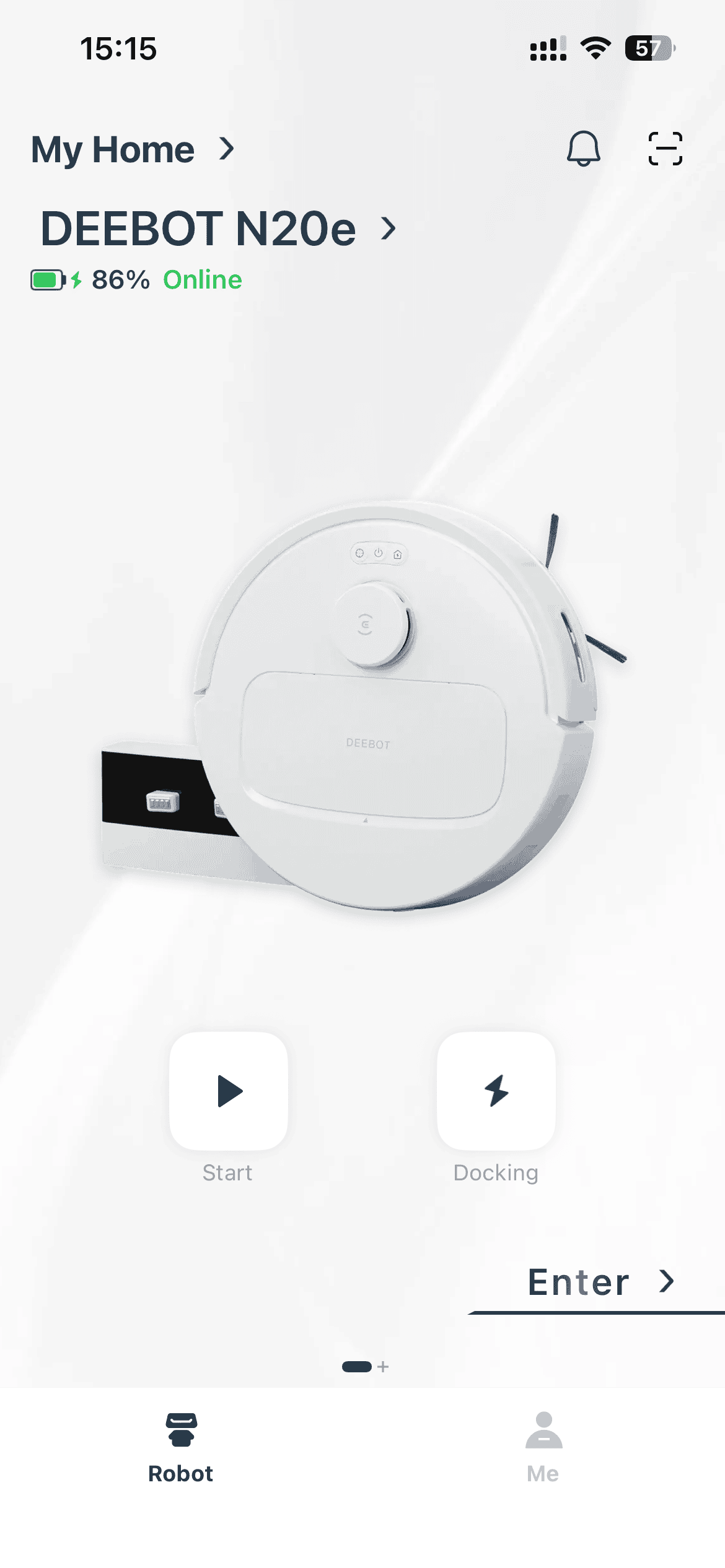
    Deebot N20e Robot Vacuum - First Test Out of Box

    So, What’s Under the Hood?

    Here are the basics, without the marketing fluff:

    • Suction power: 10,000 Pa — that’s genuinely strong for this price bracket, powered by a high-speed motor with a straight-through duct design that reduces vacuum loss.
    • Battery: 5,200 mAh lithium-ion, rated for up to 350 minutes on the lowest suction setting. In real-world use with higher suction modes, expect significantly less — but more on that later.
    • Mopping: Built-in vibrating water tank with electric-controlled water flow. It’s not a substitute for deep mopping, but for maintenance passes, it does the job.
    • Navigation: TrueMapping technology — LiDAR-based, maps a 100-square-meter area in about 8 minutes. Multiple map support is included, which is handy if you have more than one floor.
    • Anti-tangle: ZeroTangle 2.0 with a triple V-shaped brush structure designed to lift and centralize hair. Does it work? Mostly. We’ll get to that.
    • Threshold climbing: 20mm — enough for most door sills and transitions, but not for anything truly aggressive.
    • App control: Ecovacs Home App, with adjustable suction levels, water flow, vibration frequency, scheduling, and selective room cleaning.
    • Voice assistant compatibility: Google Assistant and Alexa.

    Simple enough. Now, the interesting part.


    The Good Stuff — Where Đurđa Shines

    First off, ease of use. I’m not exaggerating when I say this was one of the easiest IoT devices I’ve ever set up. You plug it in, download the app, follow the pairing process, and within minutes it’s mapping your home. I’ve dealt with smart devices that make you jump through hoops like a circus animal — this isn’t one of them.

    Connecting it to WiFi was painless. I have a dedicated 2.4GHz network set up specifically for IoT devices — Đurđa shares it with the Hitachi AirCloud 400 AC combo unit and the Gorenje washing machine — and it connected without a single hiccup. No forced firmware updates before pairing, no “device not found” loops, none of that nonsense.

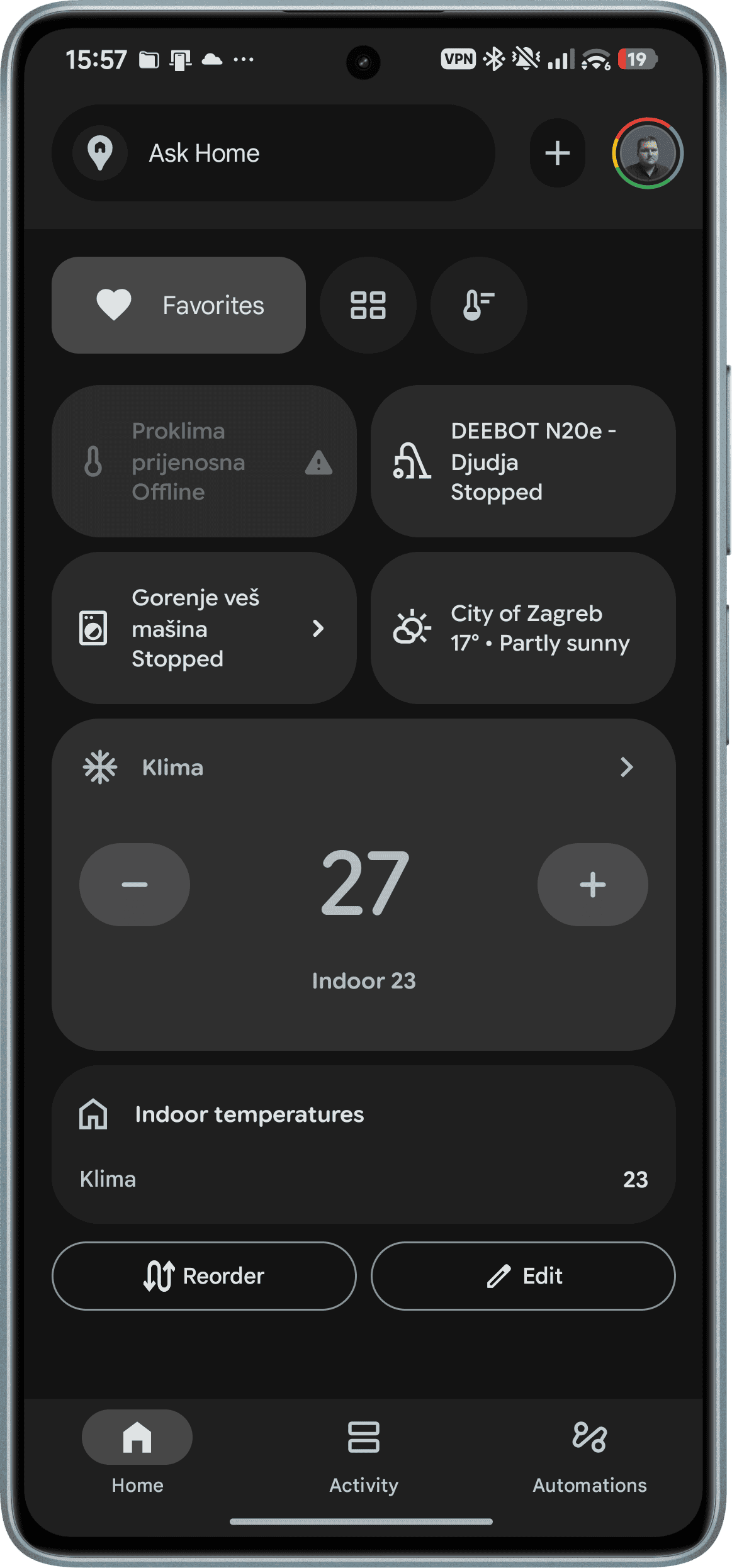
    Integration with Google Home was equally smooth. Within minutes, I could say “Hey Google, clean the living room” and Đurđa would obediently trundle off to do exactly that. For anyone who’s privacy-conscious (and if you’re reading my blog, there’s a decent chance you are), I should mention that the N20e is also adaptable enough to integrate into Home Assistant if you’d rather keep things local and private. I haven’t gone that route myself yet, but it’s good to know the option exists.

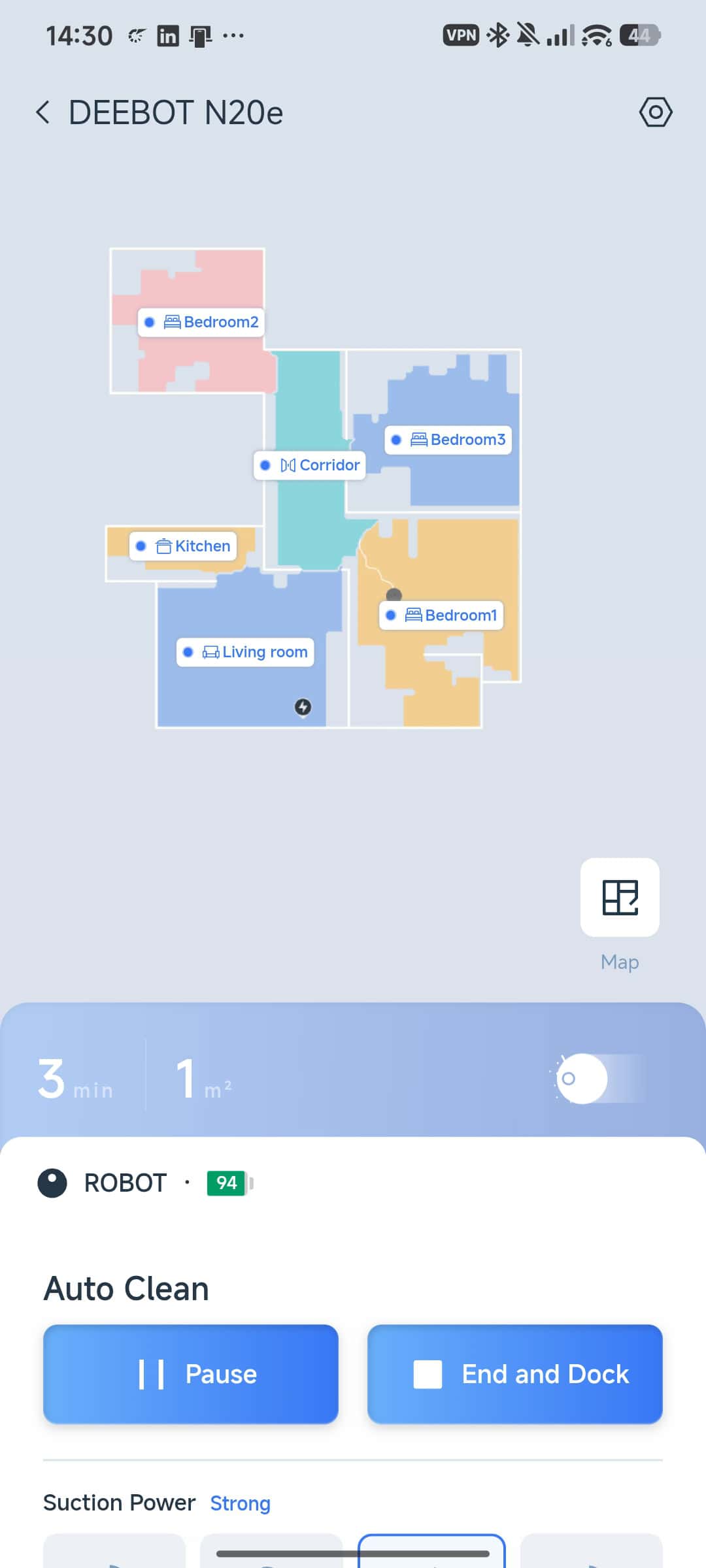
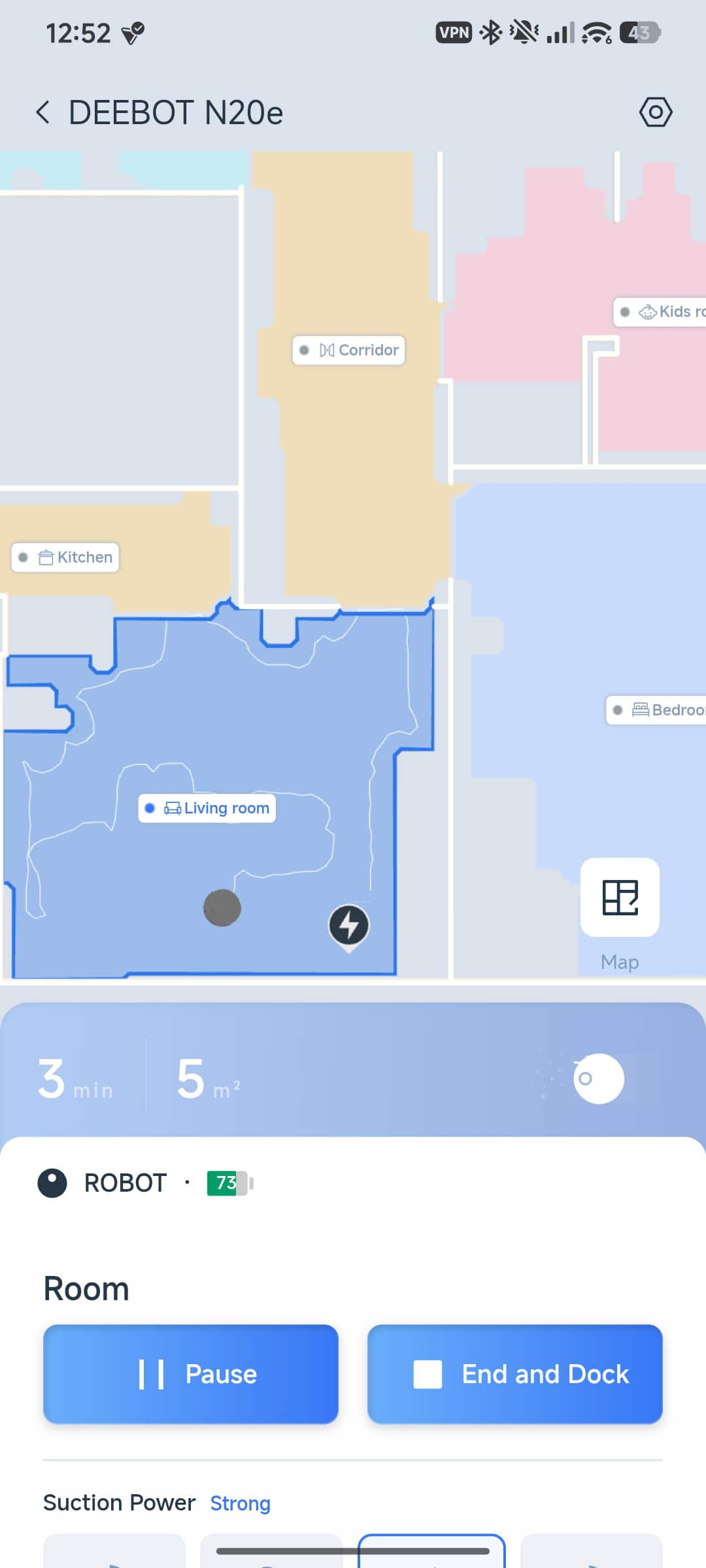
    The floor mapping is genuinely impressive. TrueMapping via LiDAR creates an accurate layout of the home, and once mapped, you get selective room-by-room vacuuming and mopping through the app. Want to just clean the kitchen after dinner? Two taps and Đurđa knows where to go. No full-house runs necessary for a quick cleanup.

    Suction power and mopping are both solid for the price point. On higher suction settings, it pulls up dust and debris that I didn’t even realize was there — and I’m someone who vacuums manually on weekends. The mopping function is more of a maintenance pass than a deep scrub, but for keeping hard floors looking presentable between proper mopping sessions, it’s more than adequate.

    Obstacle awareness is decent. Đurđa understands closed doors (won’t try to bash through them), navigates around table legs and chairs without much drama, and generally moves through the space with a sense of purpose rather than randomness. It’s the kind of navigation that makes you feel like the money was well spent.

    Cleaning speed? For approximately 80 square meters across 6 rooms/locations — vacuuming only, mind you — it takes about 45 minutes. That’s a full pass, back to the dock, done. Not bad at all for something I paid 170€ for.


    The Not-So-Good Stuff — Where Đurđa Trips Up (Sometimes Literally)

    Now for the honest part. Because this wouldn’t be a real review if I only talked about the highlights.

    The anti-tangle brush — and this is ironic given it’s called “ZeroTangle” — can and does tangle with hairs and long fibers. Every couple of weeks, I need to flip Đurđa over, pull out the main brush, and manually clean out whatever’s wrapped around it. Under-bed dust and long hair are the usual culprits. It’s not a dealbreaker, but it’s also not the maintenance-free utopia the marketing suggests. The 2-week cleaning interval is realistic, not pessimistic.

    Then there’s the issue of floor items that are too big to skip but too stubborn to push. Occasionally, Đurđa will encounter an object — not small enough to simply avoid, but tall enough to cause problems — and will either bounce back or get tangled up trying to navigate around it. It doesn’t happen often, but when it does, it requires manual intervention.

    Speaking of manual intervention: there’s a spot near the heating station in the corridor where Đurđa occasionally climbs onto a slightly elevated surface and gets stuck. The 20mm threshold climbing is great until it climbs somewhere it shouldn’t. At that point, you’re physically picking up your robot vacuum and putting it back on flat ground. Not the most dignified moment for either of you.

    On double-pass cleaning with high suction, the filter and filler need to be cleared more frequently. I’ve had to pause mid-clean to empty and clear the filter because suction performance degraded noticeably. The filter gets washed every 3 full-house cleanings as part of routine maintenance, which keeps things running acceptably — but be prepared for this to be part of your life if you run it on max power regularly.

    And then there was the stair incident. Once — just once — Đurđa ventured into the entrance room for a cleaning pass and nearly went tumbling down the stairs 😅 No cliff sensor heroics saved the day that time; I caught it just in time. Since then, I’ve set up a virtual no-go zone in the app, which is a feature worth using from day one rather than learning the hard way like I did.

    Replacement parts in Croatia are a bit of a headache to source. I haven’t found a straightforward local supply chain for filters, brushes, and the like. For now, the strategy has been to thoroughly clean existing parts during maintenance cycles — the filter in particular holds up well with regular washing. It’s not ideal, but it works as a stopgap.

    The Compromises — Things Worth Knowing Before You Buy

    Every device at this price point comes with compromises, and Đurđa is no exception. Here’s what you’re signing up for:

    The N20e needs a WiFi connection to use the application. If your WiFi goes down — and let’s face it, it happens — you can still start a full cleaning cycle by pressing the physical button on the unit. It’s basic, but it gets the job done when the network decides to take a break.

    Restarting after untangling hairs can be done via the button or the app, so you’re not dead in the water if you’ve had to physically intervene mid-clean. The robot picks up where it left off reasonably well, though occasionally it re-maps the immediate area first.

    There’s no native option to add it to Apple Home or other third-party home apps like Xiaomi Home. You’re working within the Ecovacs ecosystem (plus Google Home or Alexa) or going the Home Assistant route if you want broader integration. For Apple HomeKit users, this is a genuine limitation worth weighing.

    At 170€ purchased new roughly 4.5 months ago from Lidl Hrvatska, this sits comfortably in budget robot vacuum territory. Comparable Xiaomi models were pricier at the time, and other brands in the same suction/mapping class were significantly more expensive. For what it does and what it costs, the value proposition is strong — but you’re not getting premium features like self-emptying stations or hot-water mop washing that the higher-end models offer.

    And yes, the nickname. “Đurđa” felt right from day one. If your IoT devices don’t have names, I don’t know what to tell you — you’re missing out on half the fun.

    Final Verdict

    After 4.5 months of regular use across an 100-square-meter house floor (about 70-square meters of real world usable for cleaning) with 6 distinct rooms, the Ecovacs Deebot N20e has earned its place in the household. It’s not perfect — the tangle issues, the occasional navigation mishaps, the parts availability in Croatia, and the WiFi dependency are all real considerations. But at 170€, with 10,000 Pa suction, LiDAR mapping, Google Home integration, and selective room cleaning, it punches well above its weight class.

    Would I buy it again? Yes. Can I regret it? No, not honestly. It saves me time, keeps the floors cleaner than I’d manage on my own, and the quirks are manageable with a bit of routine maintenance. If you’re in the sub-200€ market and don’t need self-emptying or premium mopping, this is a solid choice.

    Just set up those virtual no-go zones before it discovers your stairs. Trust me on that one.

    Helped to generate and proofread by Proton Lumo AI+ 2.0 Max model. Cover image and most of application screenshots are shot with Poco F5 and with iPhone 13 Pro.

  • Few months in – VW T-Roc Life SCR 2.0 TDI Long Term usage review

    Few months in – VW T-Roc Life SCR 2.0 TDI Long Term usage review

    Note at the start: This is a review from a second-hand user of the vehicle, written mostly from the perspective of the frequent passenger.

    To premise: no, the car isn’t brand spanking new—or as Bosnian and Balkan people would say, “ispod čekića”. It was bought second-hand from an official VW Service Center in Germany (complete with all official paperwork, including a notice that it had a minor issue which has since been fixed) and was imported with all Croatian taxes, customs, and custom registration plates handled through a solid dealership/transporter house, Mega Koncept d.o.o (AAAgram.eu).

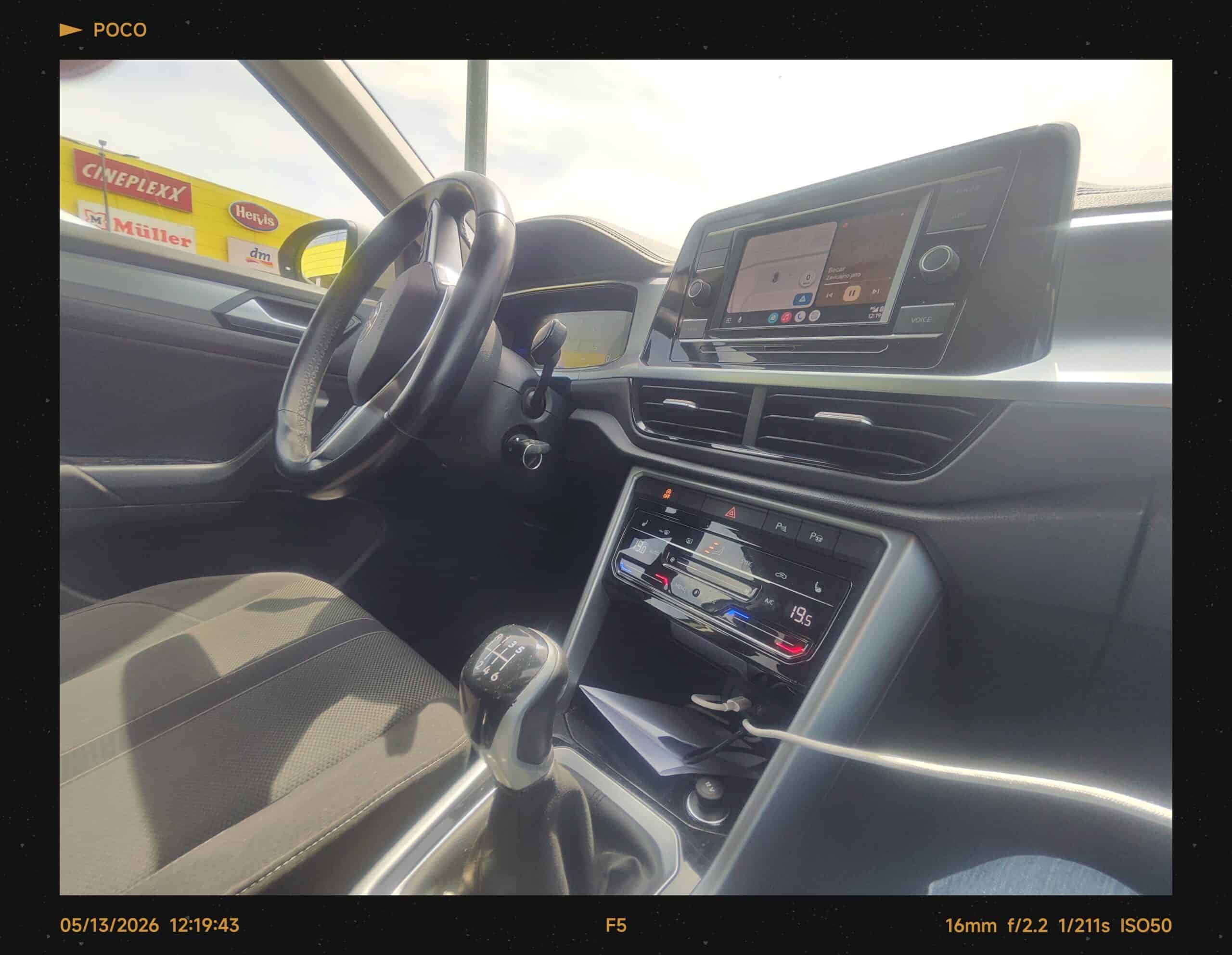
    Now to start: the car is a 2023 model “refresh”, but its first start and registration were in late 2022. As for the infotainment—it might look like a basic setup with physical buttons that reminds us of the older MIB2 generation from the late VW Golf 7.5, especially since it requires a wired connection for Android Auto and CarPlay. But don’t let the looks fool you; the real MIB3 tech is hidden under the hood.

    Because this is the MIB3 architecture, the car is constantly online via an active We Connect Plus subscription. This unlocks all those modern features through the Volkswagen app: we can track the exact location of the vehicle, check fuel levels, receive OTA updates, and even remotely lock/unlock the car or blast the horn to deter any potential thieves. We mostly use it with Android Auto turned off when we know the location, or connected to a few devices running Android Auto with music playback trough phone or downloaded music to phone when we need to navigate to the correct destination, including trips to Bosnia. On top of that, it is always connected via Bluetooth to one of our enabled smartphones—ranging across both Android and iOS ecosystems—ensuring seamless, hands-free quick calls while driving.


    MIB3 Composition Media in T-Roc Life SCR 2.0 TDI and Android Auto connection with Music Playback
    MIB3 Composition Media in T-Roc Life SCR 2.0 TDI and Android Auto connection with Music Playback

    Now, let’s talk mileage and fuel consumption. It’s been quite active: in just 4.5 months of use, we’ve put over 4,000 kilometers (approx. 2,500 miles) on it, averaging about 5.7 liters per 100 kilometers (41 MPG). That includes city driving, slower country roads, and a bit of highway. It averages out to about 1,000 kilometers per month. We exclusively fill it up with Premium Diesel from INA (there are exceptions when it is regular Diesel but still) which offers great efficiency, allowing us to go at least 2 weeks without a refill.

    Saving the comfort and drivability for last: as a comfortable crossover/mid-sized SUV with the utility of a hatchback, it can hold a lot of stuff in the boot. It actually fits a bit more than the older VW Golf 7; we even tested its capacity when transporting items, including funeral flowers. The drivability is solid—essentially a slightly higher hatchback. It was tested on closed roads with an experienced driver behind the wheel. As for the other drivers in the family, they say it’s a massive improvement. And how could it not be, coming from a VW Golf 7.5 series 2.0 TDI?

    In conclusion: As second-hand owners who bought and imported it for under €20k, it’s an absolute bargain. With about 110k km on the odometer, buying this was a steal compared to what’s available in Croatia for the same price (where you only get older models with higher mileage or combo of both). Buying and importing it from an official German VW seller/retailer—the German equivalent of our AutoZubak—is definitely the way to go.

    To end on a personal note: hitting that “100k km” mark tends to scare people away here on the Balkan peninsula, but history repeats itself in the best way possible for us. Back in late 2017, we imported our current VW Golf 7 1.6 TDI Trendline Bluemotion (2014 model) from a private German seller with 105k km on the clock. Back then, we didn’t know pro transport houses that handle everything for you, so we had to do all the heavy lifting and paperwork ourselves. Today, that exact same Golf 7 is pushing past 300k km and still runs flawlessly every single day.

    Fast forward to today, we did the exact same 3-year-old vehicle formula with this T-Roc at 110k km—only this time, it was a stress-free “turn-key” experience from an official VW dealership with local pros doing the transport. If there’s one thing we’ve learned, you shouldn’t fear the mileage if the car comes from Germany with a verified service history*. Here’s to the next 200k km!

    *P.S.: Check Service history and mileage, CarVertical can help, even for us confirmed few details. We used promo code TDC at checkout. Top Dead Center is Car YouTube Channel which I follow from UK.

    Written after 4.5 months of using the car. Text checked by Generative AI.

  • Triple phone wielding – Android user experience with iPhone 13 Pro and iOS (long-term personal review)

    Triple phone wielding – Android user experience with iPhone 13 Pro and iOS (long-term personal review)

    Or as I like to call it: using both operating systems at the same time, but for completely different reasons and ecosystems.

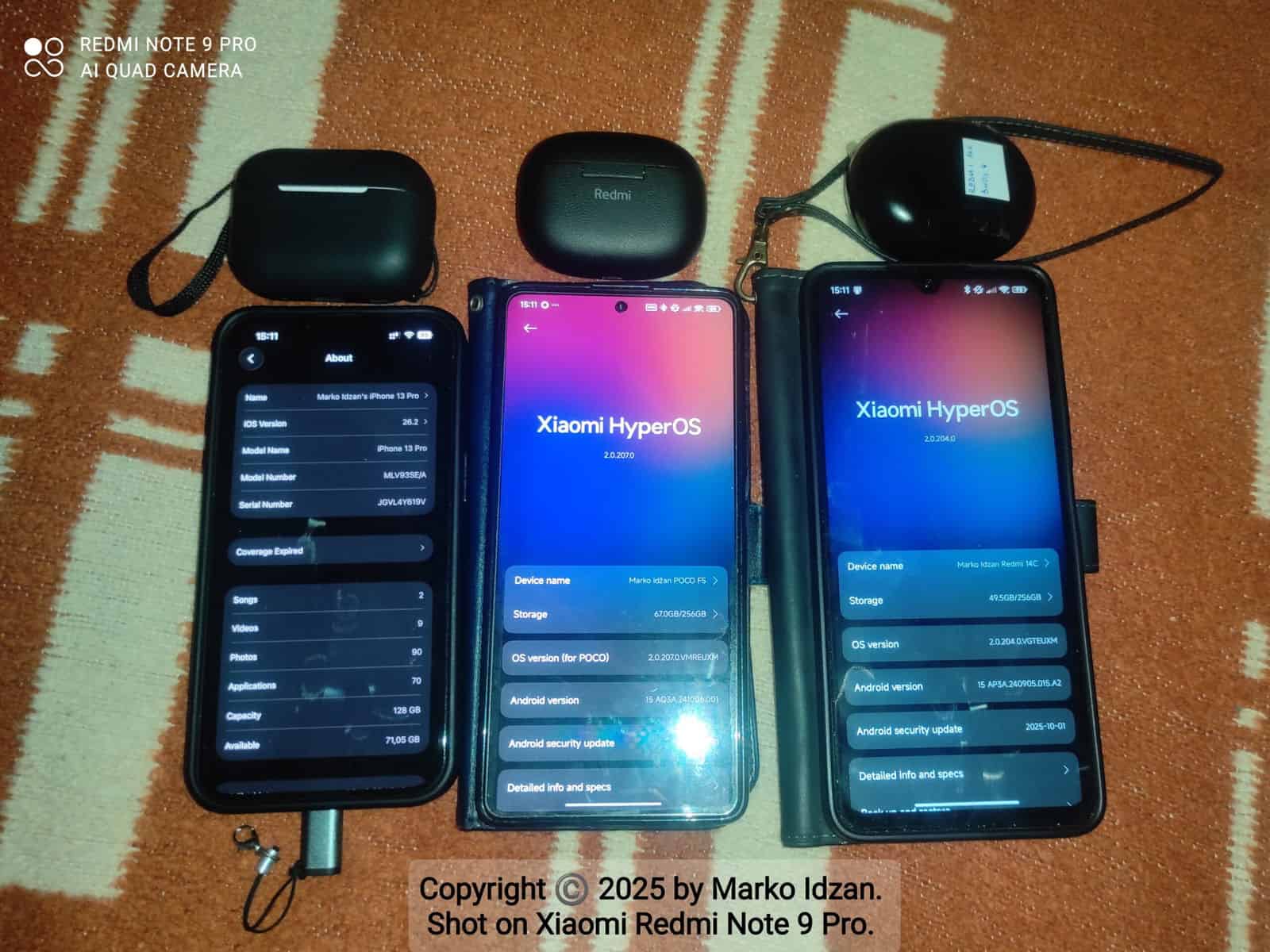
    Let’s set the premise straight. I’m a long-term Android-only user who occasionally flirted with iOS in the past (using iPhone 6 for a month when I had to or even temporary for work iPhone 7 Plus or even iPhone X for a weekend socials maintenance). Yet here I am in November 2025, dual-wielding three phones every single day. In the left bottom green Android corner sits my king, almost two years old, still showing 89 % battery health, officially supported until mid-2026, now rocking the fresh October 2025 security patch on HyperOS 2.0.207 EEA – the one and only POCO F5 in black with its black flip cover and extra tempered glass. Up in the top left green corner works the ten-month-old newbie, 8 GB RAM, 256 GB storage, still on the October 2025 patch with HyperOS 2.0.204 and Android 15 – the Redmi 14C 4G in black protected by a dark-blue flip cover. Finally, in the right snow-white (or maybe red?) corner stands the three-year-old Graphite warrior with its 120 Hz AMOLED and the latest iOS 26.2 Developer Beta 3 – the iPhone 13 Pro 128 GB that landed in my hands when the family upgraded to an iPhone 16 Pro.

    Yes, I’m that guy carrying three phones, and no, I didn’t throw any into the bin “like parsley and peršun, bre” as Balkan Dad would say.

    Every device has its own wearable squad. The POCO F5 pairs with the Xiaomi Watch 2 on the fresh Wear OS 5 update from last month and with Redmi Buds 5 Pro for private calls and music. The Redmi 14C gets the demoted Redmi Buds 4 that still handle 3CX night-shift calls perfectly. The iPhone 13 Pro rocks AirPods Pro 2 in the USB-C case that I bought cheap on Marketplace – they even came with valid Apple Care+ until 2026, although iOS 26.2 still insists they are first-gen despite the serial number proving otherwise. Developer beta life, hah.

    After this longer preamble (oh-my-posh and days), let’s finally begin the comparison.

    As a long-term Android user who once survived a month on an iPhone 6 and occasionally borrowed company iPhone 7 Plus or iPhone X devices for weekend customer support, I can say that navigation on Android 15 with HyperOS 2.0 wins hands down. Both systems use gesture bars now, and I switched to gestures on Android two years ago, so the muscle memory was ready. The difference is simple: on the POCO F5 and Redmi 14C I swipe back from the left or right edge, while on iOS I must use only the left side – and half the apps open the hamburger menu instead. Gmail and Contacts, I’m looking at you. Android takes the first moral victory.

    Notifications arrive instantly on the POCO F5 and iPhone 13 Pro, while the Redmi 14C lags by a second, which is expected for a budget work device. The real difference appears when clearing them: Android lets me swipe left or right no matter what, but iOS forces me to swipe only left. Petty? Yes. Moral victory number two for Android.

    Battery life tells a clearer story. On a typical day of communication, navigation, music, video, and photography, the POCO F5 delivers seven to eight hours of screen-on time and lasts two full days, charging from zero to one hundred percent in thirty-eight minutes with its 67 W brick. The iPhone 13 Pro manages five to six hours of screen-on time for the same tasks and reaches one and a half days. When I need speed, I plug it straight into the same 67 W POCO F5 charger (or the old 33 W brick from my retired from daily usage but still in helpful user as Roaming only phone Redmi Note 9 Pro) using no-name  Lightning-to-USB-C adapter and others package ready to connect to any USB Type-C cable – never touched Apple’s official charger or rarely used official Lightning cable, nyat, my brothers and sisters. If I’m not in a hurry, I just drop it on my Temu best buy – MagSafe-capable wireless charger and call it a day. Type-C to rule them all 😉. The Redmi 14C, used only for email, 3CX, authenticator apps, and light games, gives me three to four days between charges and fills up in roughly an hour and forty-five minutes when I borrow the POCO’s charger. Even with a three-year-old battery, the iPhone still beats most 2022 Android flagships, but the POCO F5 simply destroys everything in raw endurance and speed.

    Cameras in 2025 are no longer a fair fight. In daylight the iPhone 13 Pro wins colors and dynamic range every time. At night the POCO F5 with my trusted GCam mod produces sharper details and less noise. Video belongs to the iPhone – cinematic mode and stabilization feel like magic – while the POCO stays limited to 4K30 with decent EIS. The Redmi 14C surprises with perfectly usable document scans and quick colleague snaps from its 50 MP sensor.

    Software updates crown an unexpected champion. Xiaomi promised the POCO F5 three OS upgrades and four years of security patches, and it already runs Android 15 with bi-monthly updates – HyperOS 3.0 is confirmed for early spring. The budget Redmi 14C will jump straight to HyperOS 3.0 with Android 16 at the same time with also bi-monthly updates. Yet the iPhone 13 Pro, now on iOS 26.2 Developer Beta 3 in November 2025, will easily reach iOS 30 in 2030 if Apple supports this device as long as it is today. Longevity still belongs to Apple – no Android comes close to seven or eight guaranteed years, with exception of latest flagships which now gets longer support like 5-7 years, thanks Google for that 😉.

    App experience stays mostly identical. Croatian banking apps run perfectly on both platforms, although some feel a touch smoother on iOS. Microsoft 365, Teams, and authenticator apps behave the same. Google Photos backs up everything seamlessly across all three phones because I’m a paid Google One family plan user with two terabytes shared and zero “storage full” drama. My Proton de-Googling attempt works for mail and drive, but YouTube Premium and Photos keep me chained to Google.

    Customization remains Android territory. Dark mode everywhere, icon packs, KWGT widgets, Lawnchair launcher, and side-fingerprint gestures live only on the green side. Sure, with iOS 18 and even iOS 26/26.1 Apple started copying Android more openly – layout design tweaks, icon pack installation – but nothing will ever make me like my custom sizing of icon rows and columns on Android. Only if iOS finally adds that would it feel like real courage… you know, the same courage they showed when they removed the headphone jack. iOS offers Focus modes and widgets, and that’s it.

    So why three phones? The POCO F5 is my daily love for photography, navigation, and music. The Redmi 14C at 110 € isolates business completely – company mail, 3CX night shifts, authenticator tokens – with zero personal data mixing. The iPhone 13 Pro serves as premium backup, family sharing hub, Find My network, customer-support screenshot machine, and occasional video wizard.

    Final verdict: there is no single winner, just the perfect trio. I will never go iOS-only because the back gesture alone would drive me insane. I will never go Android-only again because a modern iPhone as backup is stupidly convenient for updates, family ecosystem, and those cinematic clips. The Redmi 14C proves that work can stay at work for pocket change.

    Remember when I survived a month on an iPhone 6 in 2020 and swore I’d never touch iOS again? The 2020 me would be shocked. The iPhone 13 Pro is a completely different beast.

    Separate photo galleries from each phone are linked below. Enjoy the pixels.

    POCO F5 gallery → Check it here

    iPhone 13 Pro gallery → Check it here

    Redmi 14C gallery → Check it here

    All content, opinions, and experiences in this post are 100 % my own. The text was checked for grammar, flow, and composition using Grok, built by xAI. The cover image is my own photo, shot with the trusty Redmi Note 9 Pro – still kicking after five years.

    Worth the wait, right? 🔥

  • Xiaomi Redmi 14C for Business: Budget Phone, Serious Value?

    Xiaomi Redmi 14C for Business: Budget Phone, Serious Value?

    Or better to be seen as: 3 months in, here’s a short and sweet review of this phone.

    To start, let’s set the premise: I was considering using my now-old Redmi Note 9 Pro as my business device—that is, a phone for company apps, logins, and mail systems. But there was a hitch: this phone is now almost 5 years old, and the latest official Android version on it is Android 12. Even if I move away from older Android versions, what am I going to do—reflash a custom ROM on it again, just to end up with error messages because the phone is too limited for the apps I need?

    Heck no, that got me researching cheap but decently powerful and solidly supported Android phones. My only rule was that it needed to be on at least Android 14 and have at least 2 years of security updates. Android version updates didn’t really matter, since I was still waiting for Android 15 to arrive on my Poco F5 with the official HyperOS 2.0 release. Besides, most updates these days are security-based, so that was my minimum requirement. The second thing was at least 4GB of RAM, and a brand I know can deliver both.

    When choosing devices, I had a couple in mind: one was the older but still updatable to Android 15—Redmi 13C, base 4GB RAM model, which was on sale at the time. Another option was, again from Xiaomi and under 100€, the Redmi A3, but it wasn’t the 4GB RAM model and it came with Android 14 GO Edition, which was annoying. The next step up was this device, the Redmi 14C. This one was cool: I got the 8GB RAM and 256GB storage option for 110€ on sale, plus it runs full Android 14 (for now). Another option I looked at was the Honor X6b, but in the base configuration with 4GB RAM and 128GB storage for the same price as the Redmi 14C. So the choice was easy—more RAM and more internal storage (which I’ll probably never fill up, but who cares).

    Now to the basics of the device: it’s rocking a Mediatek Helio G81 Ultra SoC, 4,6 or 8GB of RAM, 64,128 or 256GB of storage, a 6.88-inch TFT LCD 120Hz display, and much more. You can find more details on the Xiaomi site or GSMArena for full specs.

    As for my usage, personally, I’ve had no issues with the phone—it works flawlessly. No, I’m not lying; I’m serious. It can run a few authenticator apps in the background, an AdBlock app, 3CX communicator for chats and checking business calls (especially handy during late night shifts when we mute the ringer for some peace). Of course, social media apps work great too, and it can handle low-powered games like Candy Crush Saga.

    On the hardware side, the main 50Mpx camera is fine for quick photos you need to send, and from my tests in decent light, photos look great (here’s a small gallery of pictures in various lighting conditions, from day to night). Video quality is limited to 1080p, but that doesn’t matter since the phone is mostly used for chats and maybe the occasional video call, for which the front-facing camera is perfect. For security, it has a fingerprint scanner in the lock button, which is on par with my daily device, the Poco F5—nothing slower, nothing less precise if you set it up correctly.

    Battery life is a champ. And I mean it. Even though in the box you only get the phone, another SIM removal tool, and a USB-A to USB-C cable (no charging brick), it can charge on my 67W Poco F5 charger from about 20% to 100% in 90 minutes if there are no notifications. In day-to-day use, it easily lasts up to 3 or even 4 days, depending on how much mobile chat I have or if I play something like Candy Crush Saga once in a while 😛 That’s how old I am now—testing easy-to-play games on phones, no Call of Duty Mobile or Genshin Impact for me 🤣

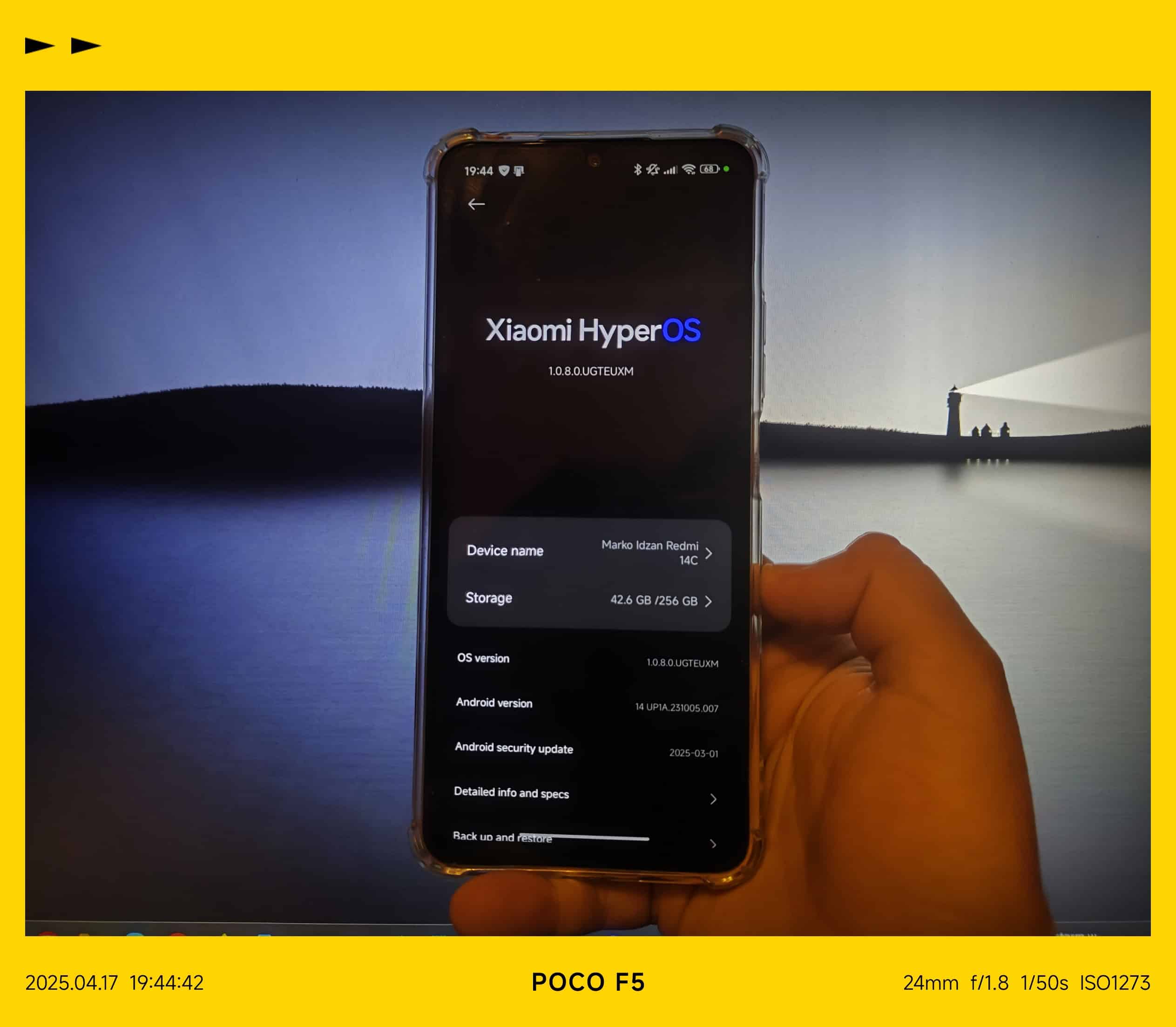
    Now, for the downsides: yes, the phone is running Android 14 and HyperOS 1.0, but not the fully-fledged version, as some features are missing (possibly due to the SoC). Updates are on a quarterly basis, and in my 3 months of usage I’ve received my security patches. I’ve also enrolled the phone in the Mi Pilot program for beta releases to test Android 15 when it arrives (just like I’m testing it on the Poco F5, where I’ve been a Mi Pilot beta tester for Android 15 and HyperOS 2.0 from day one, without issues).

    In conclusion: should I recommend this device, or its cousin with a different name but the same specs, the Poco C75? Yeah—especially if you’re not a heavy smartphone user or just need a backup device to separate your private and business life. And only if your max budget before tariffs is about 120€; otherwise, there are other devices from brands like Honor, Motorola, or even Samsung that might better suit your needs.

    Oh, and a quick update as of June 21, 2025: Just a few days ago, this very device got the Android 15 update, now running on HyperOS 2.0. To be fair, it’s not the full-blown version of HyperOS 2.0—some features are still missing, probably because of the hardware—but hey, it’s nice to see Xiaomi sticking to their promise of regular quarterly updates, even for lower mid-range phones like this one. Security patches are still coming in as expected, so no complaints there.

    Text was checked for clarity and proofread using Perplexity AI.

    Cover image was shot on Poco F5.

  • An Unexpectedly Great Upgrade – Xiaomi Watch 2 One Month Later Review

    An Unexpectedly Great Upgrade – Xiaomi Watch 2 One Month Later Review

    The Xiaomi Watch 2 serves as a significant upgrade from older wearable models, featuring WearOS 4.0 and a Snapdragon W5+ Gen 1 processor. This transition offers enhanced customization through sideloading and access to Google Play apps. Key hardware includes an AMOLED display and robust health monitoring sensors.

    Practical daily usage provides approximately two days of battery life with fast charging capabilities. The watch integrates seamlessly with ecosystem apps like YouTube Music and Google Keep. Improved connectivity allows for efficient notification management and Bluetooth calling, representing a more versatile and supported smartwatch experience.

    Well, this is something unexpected based on my personal usage of wearables and reviews of them. Almost all of my reviews are long-term, lasting at least one year or even longer (ok, some were shorter, but those reviews were delayed and finalized from a draft).

    This review officially started on January 22nd, right after I purchased the Xiaomi Watch 2 on January 21st with super quick delivery from a Croatian IT shop for €220 (excluding special shipping). The reason for the upgrade? My now-old Amazfit GTS 3 had started getting totally buggy—not just with the software but also with the battery life. The battery would drop to 0% from about 35% or even 40% after charging in about two days. Before switching watches, I tried the standard troubleshooting methods like a factory reset, rebooting it a few times, and charging it twice during that period, but the problems stuck around. This led me to research which Xiaomi watch to get, and I had to choose between the Watch S3, which has a HyperOS custom ROM, and the Watch 2/2 Pro, which are based on WearOS—a better option, in my opinion.

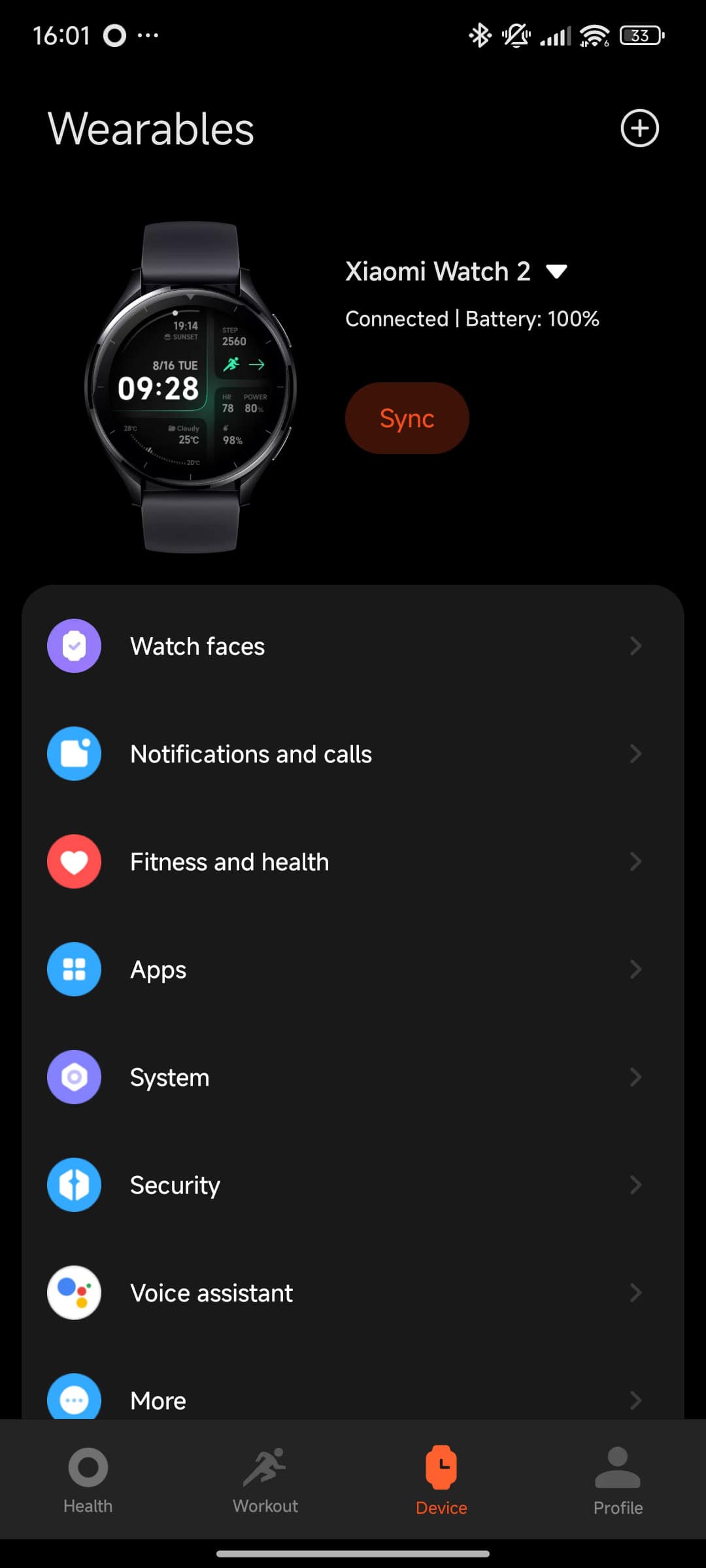
    So, I pulled the trigger and bought the Xiaomi Watch 2. After setting it up with my current phone, the Poco F5, using the Mi Fitness app, it immediately updated from WearOS 3.5 to WearOS 4.0.


    Mi Fitness application used to Sync Xiaomi Watch 2 with phone
    Mi Fitness application used to Sync Xiaomi Watch 2 with phone

    In short, here are a few important specifications of the Watch 2: it has a Qualcomm Snapdragon® W5+ Gen 1 processor, 2GB of RAM, 32GB of ROM, GPS with L1+L5 GNSS, WiFi and Bluetooth connectivity, a small but solid speaker, NFC, 5ATM water resistance, a SpO2 and heart rate monitor, a 1.43″ AMOLED display, and a 495mAh battery. For more detailed specifications, you can check Xiaomi’s website.

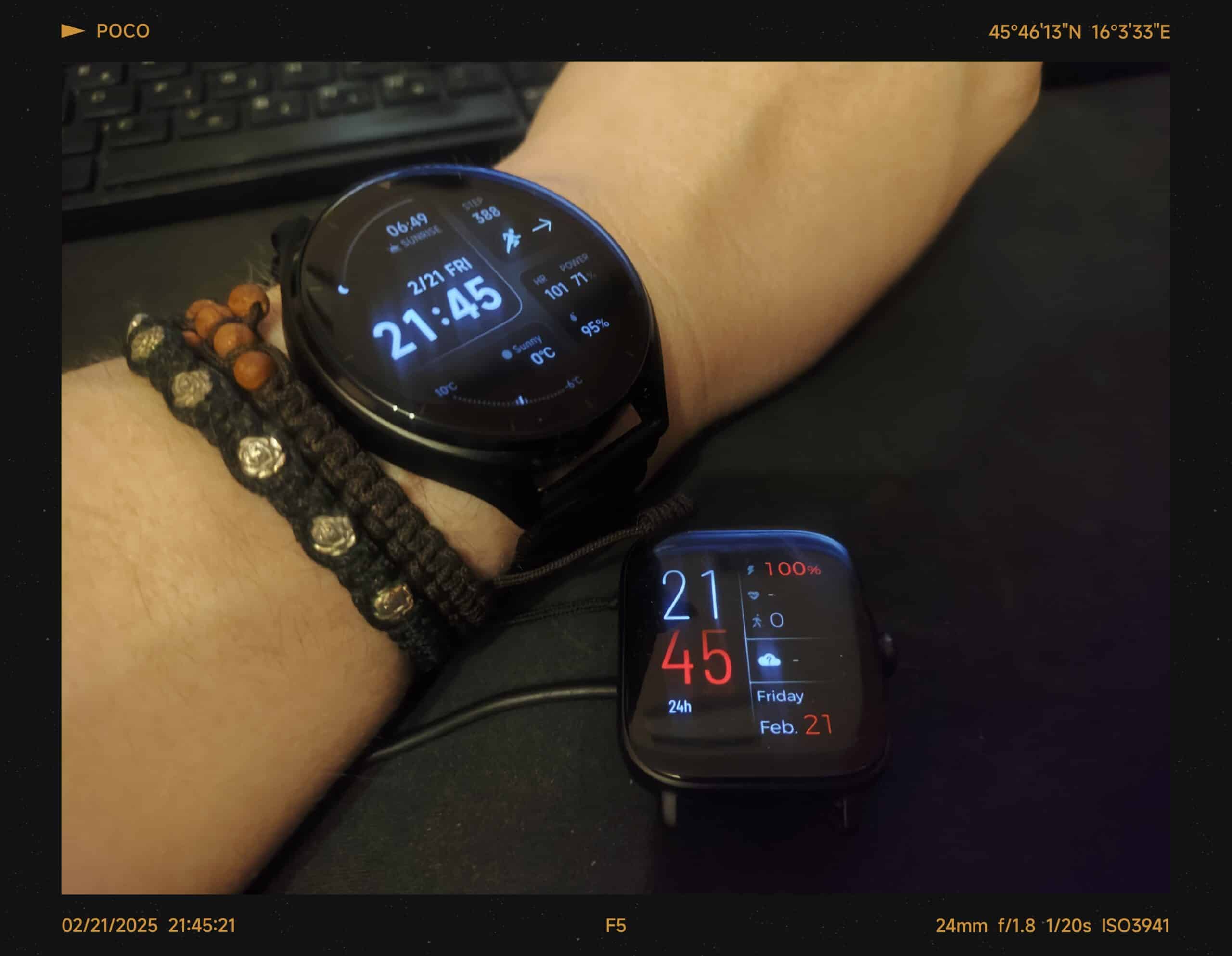
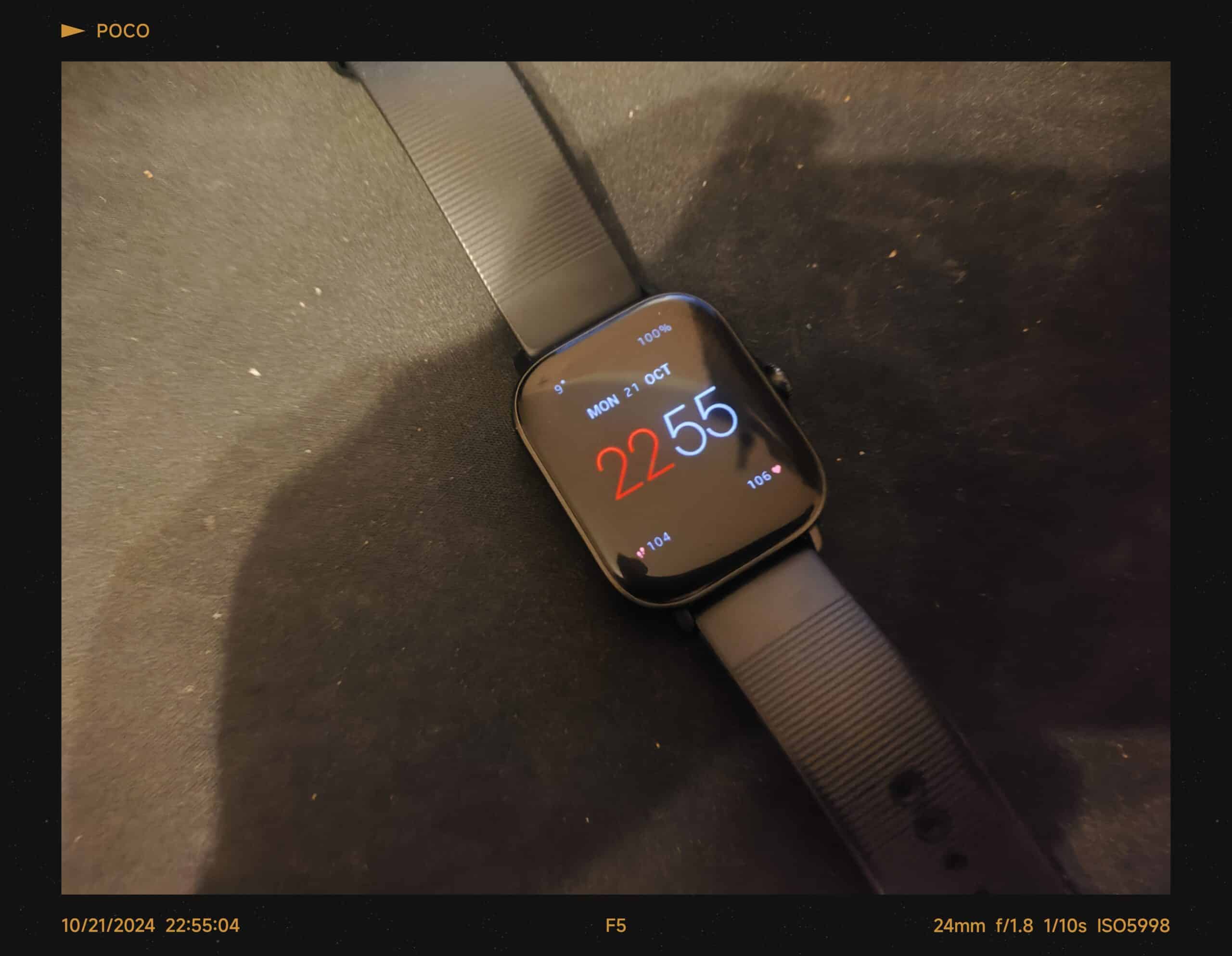
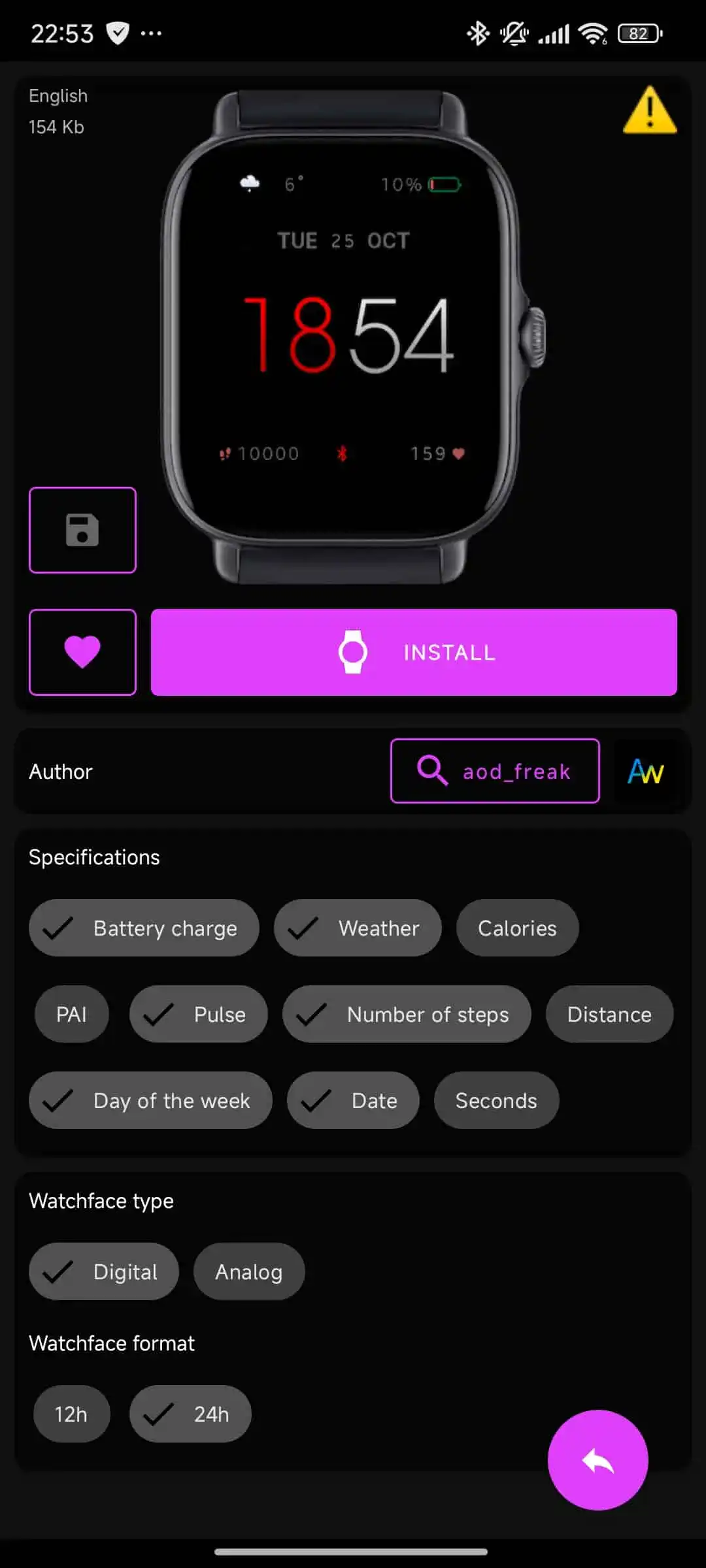
    Now, let’s talk about the upgrades from my old Amazfit GTS 3. The biggest game-changer is Google WearOS. It allows sideloading APK files, mods, custom watch faces (you can even buy them), and apps as needed, eh? 😉 For example, the watch face I’m currently using was sideloaded onto the watch since it wasn’t available on the Google Play Store. I found it on the XDA-Developers forums—it’s a port from either the Samsung Galaxy Watch Ultra or Galaxy Watch 7 (I forgot which one). It works flawlessly with my Xiaomi Watch 2 running WearOS 4.0. Design-wise, it’s the closest match to the watch face I used most of the time on my old Amazfit GTS 3. I love it because it combines sports monitoring features like a pedometer, heart rate monitoring, battery life, SpO2 tracking, a digital clock, the day and day of the week, and even shows sunrise and sunset times. The level of customization is way beyond what Zepp OS offered on my Amazfit GTS 3. And that was the old Zepp OS 1.0—it wasn’t eligible for an upgrade to version 2.0 or even the back then current 3.0, which is annoying.

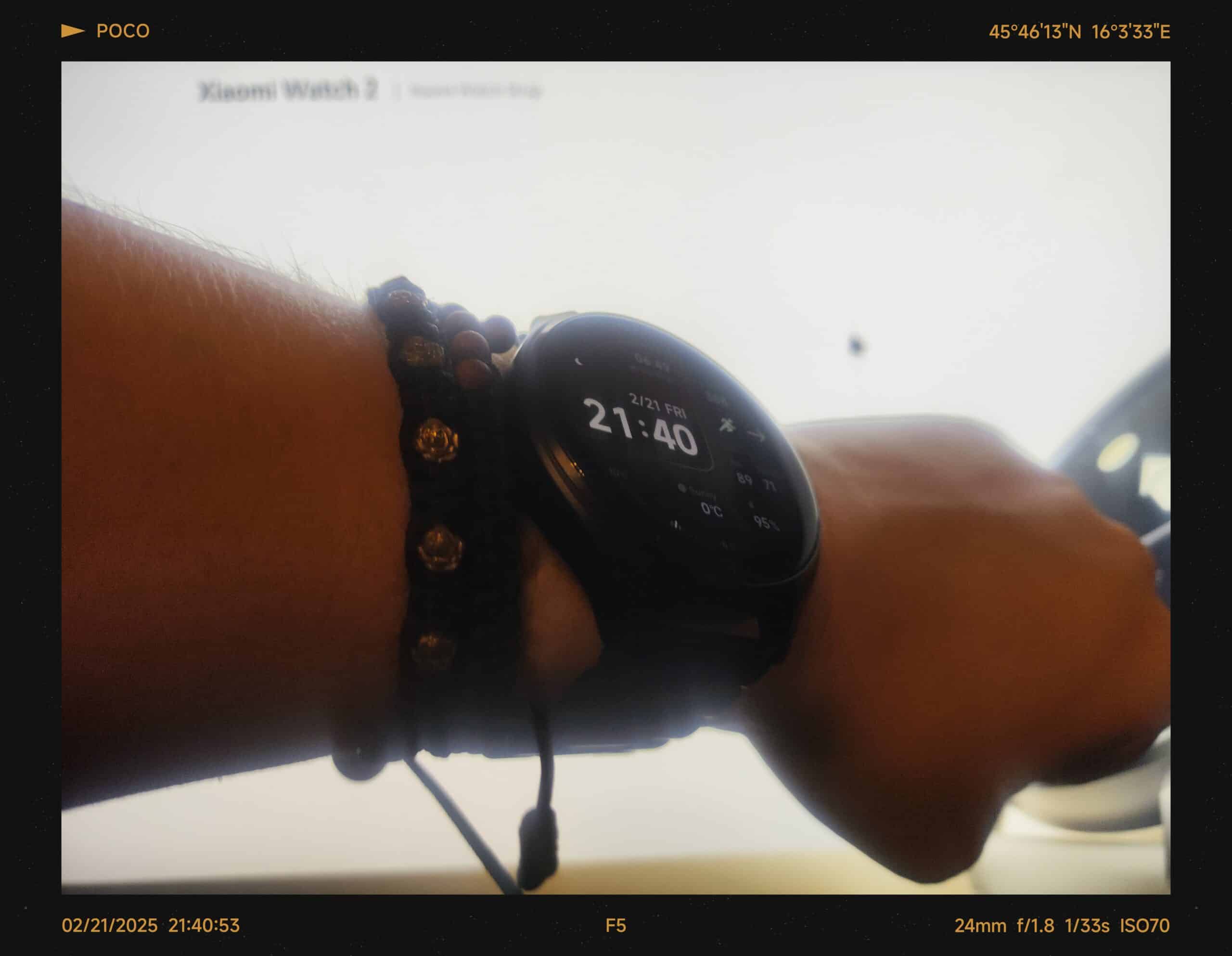
    Another upgrade is the ease of finding replacement straps. I found more 22mm watch straps, and as you can see in the cover photo, it’s already on its first replacement, bought from AliExpress with fast shipping (a metal strap).

    Now, onto my personal experience over the last month: it’s awesome, finally. With my regular usage, which includes heart rate monitoring all day, lots of notifications (mostly WhatsApp, which also has an app for WearOS and lets me open messages to read them and even reply quickly using Gboard on WearOS—o.O), a constant connection to my phone, and even my earbuds (Redmi Buds 5 Pro in multi-device connection mode, so they’re connected to both the phone and the watch at the same time). Don’t forget the Always-On Display and basic sports tracking, which includes in-house indoor cycling, spinning sessions, and some freestyle training.

    This usage gets me an average of two days of standard use. I haven’t been heavily using the watch lately, but if I were, it’d probably last about a day to a day and a half before needing a charge. As for charging speed, it’s perfect for me. In about 30 to 45 minutes, it can go from less than 20% to full. But in just 20 minutes of charging while I’m taking a standard shower, it can recharge enough for the next day and a half—or even more, depending on how many notifications I get.

    Now, onto the software: on the new Watch 2, I can have more apps and even more specialized things like Google Keep, for example. I can use the watch to take calls while connected via Bluetooth to my phone and answer them—plus, the speaker is decent enough for quick, informal calls. Otherwise, the phone is still a must for proper calls. And YouTube Music—oh my! Now I can listen to music I’ve downloaded on the watch with the headset I mentioned earlier, even when my phone is charging. For example, if I’m in a different room, there’s no Bluetooth lag, and it’s connected to my home WiFi.

    Overall, one month later, I’ve quickly become more selective about buying devices that have better support from the start. Sadly, my Amazfit GTS 3 can only stay on the charger now—if it’s not on the charger, it’s turned off and, well, dead 😅. Shoot, I thought it would somehow survive two years, and I’d buy a new one then. But now, with this one (Xiaomi Watch 2), I’m hoping it’ll survive two years of my daily usage and hopefully get the WearOS 5.0 update.


    Xiaomi Watch 2 and Amazfit GTS 3 on charger after last support tests

    Xiaomi Watch 2 and Amazfit GTS 3 on charger after last support tests

    All photos were taken with my Poco F5.

    The text was proofread and edited with the assistance of AI tools (Google Gemini Advanced AI, ChatGPT, and DeepSeek-V3), with final touch-ups and polishing done by me.

  • Oscal Pad 10: Still Good Value After 6 Months?

    Oscal Pad 10: Still Good Value After 6 Months?

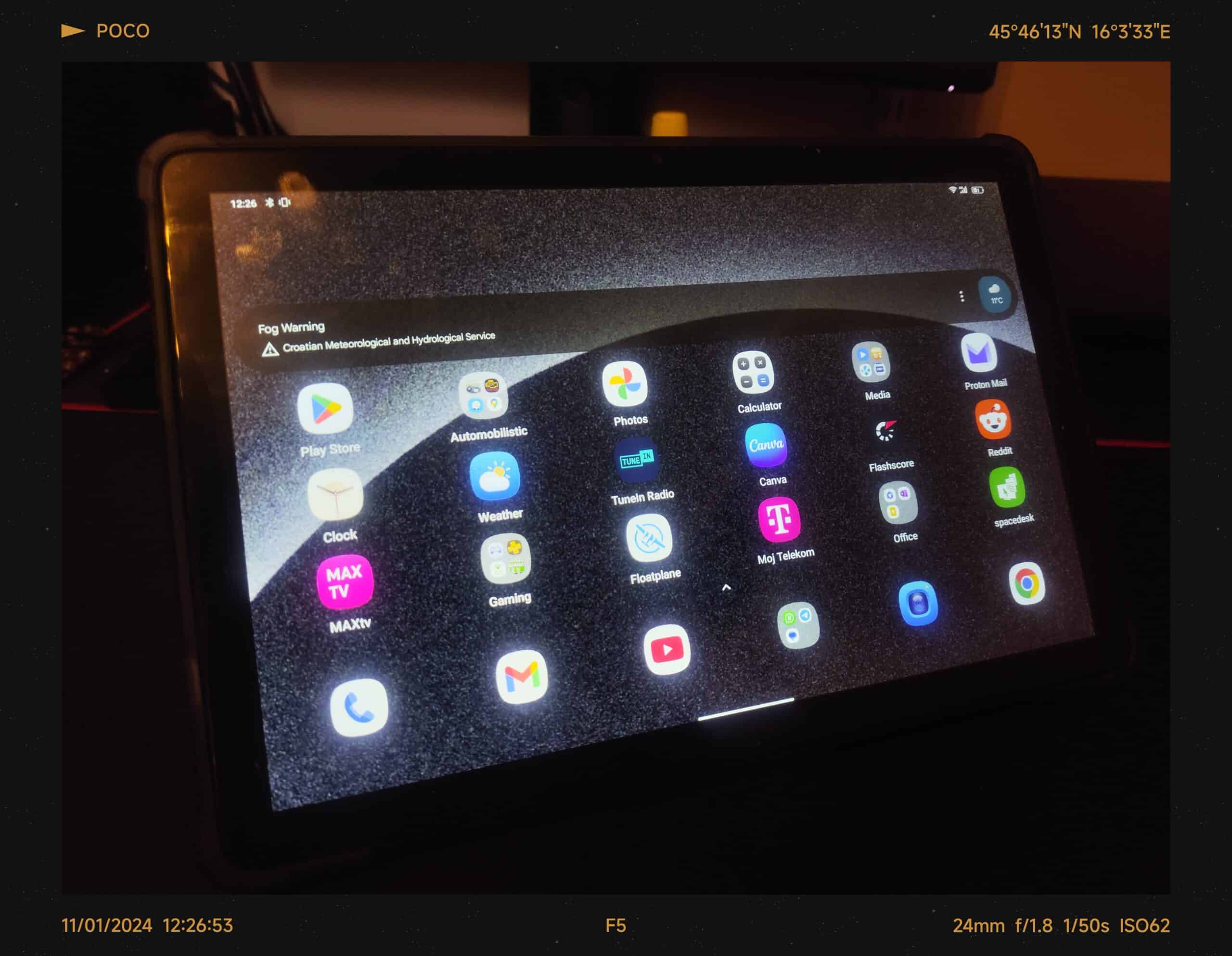
    My ancient Meanit X10 tablet was on its last legs. The battery had become a fire hazard (a.k.a. the dreaded “spicy pillow”), and the specs were, well, ancient. Upgrade time! I almost snagged a Xiaomi Redmi Pad SE on sale, but procrastination got the better of me. So, I ended up with the Oscal Pad 10 – promising a decent screen, solid performance, and a friendly price tag. Did it live up to the hype? You bet!

    First impressions? This thing feels way more premium than my old Meanit X10. It’s mostly plastic, but not that cheap, creaky kind. The back has this cool textured finish that’s grippy and doesn’t attract fingerprints.

    Goodbye, blurry 800p! The Oscal Pad 10’s 1080p display is a major upgrade. Everything is crisp and clear, from web pages and videos. The colors are vibrant, and get this – the screen is bright enough that I can even use it outdoors. I love taking this thing outside, especially on sunny days. The colors still pop, even in direct sunlight. I even made a video showcasing the display quality outside. This tablet is perfect for catching up on the news, watching videos, or even playing games outdoors.

    Speaking of upgrades, remember how my old X10 had only 1GB of RAM and 8GB of storage? Yeah, the Oscal Pad 10 blows it out of the water with 8GB of RAM (expandable to 12GB!) and 128GB of storage. Plus, I can add a microSD card for even more space. No more constantly deleting files! This means I can finally have all my ebooks, favorite apps, and even a few games without constantly juggling storage space.

    This thing flies! Apps open instantly, web pages load in a flash, and I haven’t noticed any lag, even when I have a bunch of apps open. My old X10 could barely handle having one app open for long, let alone multitasking. And with that sluggish 32-bit version of Android 8.1 Go Edition, everything felt like it was running in slow motion. Even streaming, which was fine once it loaded, took ages compared to the Oscal Pad 10.

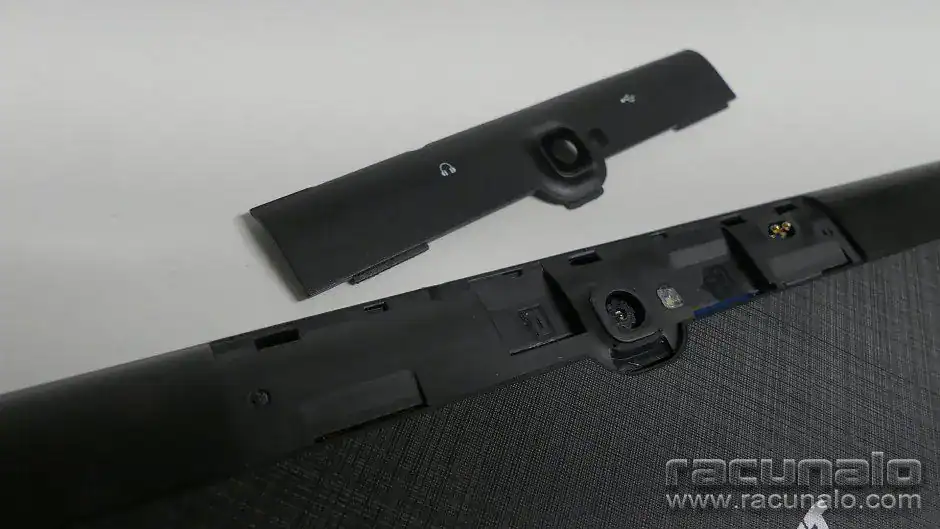
    But here’s the kicker: unlike my old 3G-only tablet, the Oscal Pad 10 has 4G! And not just single SIM 4G, this bad boy has dual 4G connectivity. That’s right, two SIM card slots! My old Meanit X10 actually had dual SIM slots too, but they were hidden away under a cover (see the image below!) and limited to 3G. With the Oscal Pad 10, I can pop in two 4G SIM cards and use it for calls, messages, and even as a makeshift phone with its surprisingly loud speakers. I even tested it out with a Bluetooth headset, and it worked flawlessly.


    MeanIT X10 Tablet Hidden SIM Slots - Image from Računalo.com Review
    MeanIT X10 Tablet Hidden SIM Slots – Image from Računalo.com Review

    Of course, both tablets have WiFi, but the Oscal Pad 10 supports newer WiFi 5 (802.11ac) networks, while the Meanit was limited to the older 2.4GHz standard. This means faster speeds and more reliable connections for me! Perfect for streaming those live TV channels without a hiccup.

    And get this – it even supports OTG! I hooked it up to a powered USB hub, a wireless mouse, and a wired keyboard, and it worked flawlessly in PC mode. In fact, I used a wired keyboard with this tablet to write part of my Poco F5 review. It was like having a mini desktop computer!

    Let’s talk juice. This tablet’s got a 6580 mAh battery that just keeps going and going. Seriously, I can use it all day long – browsing the web, watching videos, even playing some games – and still have plenty of power left over. It’s perfect for those evenings when I just want to curl up with a good ebook. I’ve got my entire collection on Google Drive, and the Oscal Pad 10’s crisp display makes reading a pleasure.

    And speaking of lasting power, this thing has some serious stamina. With dark mode enabled (thanks, Android 12!), WiFi and Bluetooth on, and sometimes even 4G, it can last for three whole days on standby. I’ve even got an ad blocker and the “Link to Windows” app running, and it still sips power like a champ. Even with email notifications coming in, it barely uses any juice.

    When it comes to gaming, this tablet can handle my Football Manager Mobile sessions and other football simulation/management games for a solid 5 hours before needing a recharge. And if you’re a football fan like me, you’ll be happy to know that it can easily power through two matches in a row with extra time (that’s about 4 hours) while streaming IPTV. Oh, and did I mention that I usually have the screen brightness set to at least 50%, often closer to 75%? Yeah, this battery is a beast.

    For everyday tasks like browsing, emails, and social media, I can easily get two full days of use out of it. And if you need to top it up quickly, my 67W Xiaomi charger from my Poco F5 can fully charge it in just 2.5 hours.

    Let’s talk about the software. The Oscal Pad 10 runs Android 12 with a custom skin called Doke OS v3.0. And let me tell you, it’s refreshingly clean. There’s almost no bloatware on my version of the firmware, which I haven’t even updated yet.

    It comes with a handy Game Mode that helps keep things running smoothly when I’m in the zone with my football management games. And praise be to the tech gods, it even has a 3.5mm headphone jack! So I can plug in my favorite headphones and listen to the built-in FM radio or enjoy some tunes while I’m gaming.

    I also love that it uses Google apps like Google Files and Google Photos as the default apps for data and photos. And of course, it has the usual suspects like Google Phone and Messages. The only app I disabled was WPS Office and replaced it with Microsoft Office 365.

    Oh, and here’s a cool trick: with an OTG connection and the Headunit Reloaded app, you can use this tablet as an Android Auto replacement in cars that don’t have it. Pretty neat, huh?

    Now, here’s the thing about updates. It looks like this tablet is going to stay on Android 12 with security updates from August 2022. A bit of a shame, but Blackview (the company behind the Oscal brand) isn’t exactly known for its stellar software update track record. Still, at least I’m not stuck with Android Go Edition or, even worse, shudders Android 4.4 KitKat from my even older tablet.

    The front-facing camera is perfect for Zoom calls, Microsoft Teams calls, and even as a makeshift webcam with the Microsoft “Link to Windows” app in Windows 11. My webcam broke, and the Oscal Pad 10 stepped up to the plate, delivering a decent 720p picture. The back camera is okay for the occasional document scan to send to the doctor – nothing fancy, but it gets the job done.

    Inside the box, you’ll find the Oscal Pad 10 itself, along with an 18W charger and a USB Type-C to Type-A cable. There’s also a SIM injector tool, some documentation, and a spare tempered glass screen protector (in addition to the basic screen protector that’s already applied to the tablet). My tablet also came with a protective flip case already on, but this might vary depending on where you buy it.


    Oscal Pad 10 packaging
    Oscal Pad 10 packaging

    Let’s talk money. The Oscal Pad 10 with 128GB of storage and 8GB of RAM (expandable to 12GB with virtual RAM!) set me back about 170 euros. A bit more than my old 40-euro Meanit X10, but you get what you pay for, right? That extra storage and the option to add a microSD card for up to 1TB? Totally worth it.

    Overall, I’m really happy with the Oscal Pad 10. It’s a huge upgrade from my old tablet, with a great screen, solid performance, and tons of features. If you’re looking for a versatile and affordable tablet, I’d definitely recommend checking it out.

    All photos were taken with my trusty Poco F5, just like the video of the tablet on my YouTube channel. This post was helpfully checked by Gemini Advanced AI.

    P.S. If you’re curious about my old Meanit X10 tablet, you can check out this review from Racunalo.com

  • Amazfit GTS 3: One Year Later – A Love Affair with a Few Quirks

    Amazfit GTS 3: One Year Later – A Love Affair with a Few Quirks

    Well, it’s been a whole year since I swapped my old tracker for the Amazfit GTS 3. And what a year it’s been! This little beauty was a definite upgrade, and it’s held its own in the ever-growing world of wearables.

    First impressions? This thing is sleek. Seriously, I’ve lost count of how many times people have asked if I’m sporting an Apple Watch. Not bad for a watch paired with my trusty Android phone, eh?

    But the GTS 3 isn’t just a pretty face. It’s got the brains to match:

    • Health nut’s dream: Heart rate, SpO2, sleep tracking, stress levels… you name it, this watch monitors it.
    • Fitness fanatic? Over 150 sports modes, from the usual running and cycling to, believe it or not, hula hooping!
    • Everyday essentials: Music control, notifications, weather… it’s all here.

    And the best part? It all actually works. Reliable data, day in, day out. The Zepp app? Surprisingly decent! Easy to use, reliable syncing, no fuss. A world away from some of the clunky software I’ve encountered (cough, Redmi Smart Band Pro, cough).

    Battery life? Let’s just say it goes the distance. With the always-on display and a minimalist watch face, this thing easily powers through 5-7 days of my usual shenanigans: 30-60 notifications a day, walks, sleep tracking, 24/7 heart rate monitoring… the works! Okay, sometimes it dips to 5 days with a WhatsApp notification overload, but still, miles ahead of the competition.


    Amazfit GTS 3 Watchface in usage
    Amazfit GTS 3 Watchface in usage

    This watch has been my trusty sidekick. Swims in the Adriatic? No problem. Sweaty runs? Piece of cake. GPS tracking for those early summer jogs? Fast and accurate. Plus, finding replacement bands and watch faces is a breeze!

    Of course, no tech gadget is perfect. The battery life, once a solid 7 days, is now closer to 5. Guess that’s the price of constant use! And the screen has picked up a few battle scars (thankfully hidden by a screen protector from AliExpress).

    Overall, I’m still smitten with the Amazfit GTS 3. It’s a stylish, reliable, and feature-packed smartwatch that punches above its weight.


    Amazfit GTS 3 and Redmi Smart Band Pro
    Amazfit GTS 3 and Redmi Smart Band Pro

    But… that Xiaomi smartwatch with HyperOS is looking mighty tempting. Maybe it’s time for a change next autumn when this one hits the two-year mark!

    P.S. All images were shot using my trusty Xiaomi Redmi Note 9 Pro and Poco F5. And yes, Gemini AI Advanced gave this text a once-over (just to be sure).

  • Even if it is needed – Samsung Galaxy A14 4G review

    Even if it is needed – Samsung Galaxy A14 4G review

    After a period of bit reviewing and be devices, it’s time to review one of the devices at the moment, and currently, it is the best moment to review it. It took me a month of usage to carry out this real-world office review. Yes, office review as this device was given to me by my latest employer for my work.

    For starters, let’s say a couple of things about me and my Samsung experience with OneUI after now 4 years of Xiaomi’s MIUI and HyperOS rocking on multiple phones – minor differences, same Dark Mode (thanks Android for it) and well – bit of updates after first time setting phone up onto WiFi.

    It started with a few minor Android 13 updates still on OneUI 5.1 while later on the phone updated to Android 14 and OneUI 6.1 Core. I need to mention this as this is not a high-end device, it is a lower-end midrange device with specifications, from GSMArena it has two versions, I got the version with Mediatek chipset, 4GB RAM, and 64GB of storage which is fine as from the company we got shared storage on Dropbox which is used to backup data like phone recordings.

    Now, speaking of the usage of the phone and size – with size it is similar to old Redmi Note 9 Pro and current Poco F5 and that is without a basic protective TPU case on it, and with the case is a bit thicker but that is a minor security thing for phone safety as it can get slippery with almost 6 hours of calls every day on it with call recordings using currently an app named Call recorder from SKVALEX (paid version too) as it has the best recording options plus it works flawlessly with this phone. Other recording applications like Cube ACR or even Talker ACR didn’t work great and even the stock recorder doesn’t work because of CSC which is only for Europe.

    Speaking of comparing it with other devices let’s talk about security and biometrics – they are on the right side of the phone which is great, but it is limited because of OneUI Core only to 3 fingerprints and PIN/password, didn’t find other methods like face unlock or even Bluetooth paired device unlock. As well cameras, oh my. What shall I say except – they are fine in good lighting conditions, in low light forget about good shots no matter what, even the flashlight is bad :/. Didn’t have a phone with a bad flashlight since iPhone 6 days but that was a used device with hopefully scratched lenses etc. This was a brand new device out of the box for me, even I had to put a SIM card in it and made the first boot and first charge but not with the official cable, meh, used the best charger and cable – 67W brick and cable from Poco F5.

    And now about cameras – as mentioned photos aren’t great, but are useful for my workflow. For videos, it is limited to 1080p 30FPS so didn’t try much as didn’t have some good shots to make, if I have it would be linked somewhere here in the post.

    Lastly about the battery – with Poco F5 charger and cable it can take about 2 hours to charge it from about 15% to 100% every 2 days as it can survive 2 days on WiFi and 4G connected, plus with a lot of calls (mostly VoLTE these days) and a few background apps like Phone Recorder and AdGuard because everybody hates ads. And to note it can help as a hotspot with calls, had to use it one day as fiber optic internet that we had in the whole neighborhood went cack for like 4 hours so yeah, that was fun and it was in 2 days of usage without issue.

    So in a nutshell, the phone is fine for my work as a Sales Manager for Business Customers at Telecommunications where the phone is mostly used for phone calls and messaging with clients. I would like something better with better CSC solutions for easy switching for integrated call recordings but who cares, this phone is perfect for this kind of usage, just like the combined Acer Aspire 3 laptop (AMD based).

    Cover photo was shot on Poco F5, text was proofread using ChatGPT 4.0 in Microsoft Copilot Pro.

    Update as of 01.01.2026: Removed Gallery as it had some private images.

  • Perfection of daily device – Poco F5 Review

    Perfection of daily device – Poco F5 Review

    So, this is something special in my mind, as this is my current review after 6 months of using Xiaomi’s solid midrange device. The hardware is impressive, especially for the price, which is “nice”.

    Another note: I started writing this post a month and a half after using the Poco F5 on the same phone, but later, as I explored other options and drafted other posts, I’m finishing this on my new tablet with a basic wired keyboard connected through an OTG dongle.

    Now, let’s start with an option: Why choose the Poco F5 when you had other options around the 500 Euro price point for a brand new phone? You could have switched brands, but Xiaomi offers the best value at that price. I could have upgraded to the Poco F5 Pro, but it was out of my budget as it was priced around 620 Euros on the day I purchased the Poco F5. I also considered other models like the Honor 90, Motorola Edge 40 (256GB version), and even the Samsung Galaxy A54 in the 256GB variant. I chose the Poco F5 because it seemed like the best option to last me the next 3 years.

    Here are some quick specifications of the phone I bought: Snapdragon 7+ Gen2 SoC, 12GB of RAM, 256GB of storage, Bluetooth 5.3, a 5000mAh battery with 67W wired charging, an AMOLED screen, and 5G compatibility. It also supports WiFi 6, as my new ISP-provided router does. More detailed specifications can be found on the Poco official site.

    The phone arrived with great packaging that included not only the phone, SIM eject tool, and some paperwork but also a clear TPU phone case and a charging brick with a cable. Even with this packaging, the device felt premium even before I moved the SIM card to the phone. The back of the phone is plastic but looks like glass, which is great. On the black model, you can’t see any smearing or dust. Plus, it came with a pre-applied screen protector from Xiaomi.

    A major highlight is that the phone came with MIUI 14 and Android 13, and within the first month, I received an early beta HyperOS update with Android 14. This was a fast update for us Xiaomi Pilot testers who use almost every beta update for the OS. I won’t mention the short MIUI usage as it closely resembles HyperOS, which is lighter and easier on RAM usage. Otherwise, the interface is similar.

    Now, to the meat and potatoes of the review: how it is to use the phone – it’s perfection. No issues so far within these 6 months. The fluidity of the 120Hz AMOLED HDR+ display is a step up from the old 60Hz IPS display of Xiaomi’s Redmi Note 9 Pro. Both displays are HDR compatible and can easily showcase HDR content on YouTube. The fingerprint sensor on the right edge in the power button is very convenient. With a simple touch to the power button, the phone is unlocked. With a double tap, I can quickly turn on the flashlight, a handy feature in dark places. And don’t forget – a classic double click on the power button opens the camera application.

    The camera, a 64MP unit with 4K video recording, is impressive. Even with basic auto settings, the camera images are great. There’s no comparison with the Redmi Note 9 Pro as the camera sensors are completely different, providing superior night mode capabilities. I’ve tested it even with Pro Mode, which enables all sorts of camera tricks like White Balance, Focusing, ISO Exposure, and other DSLR-like features. 4K video recording is still at 30FPS, which is just fine for me, but others might want to have 4K at 60FPS, which can be achieved with a GCam mod not available in the official camera, but honestly, I really don’t care.

    Camera shot examples are in the Gallery, while video examples can be found on a YouTube playlist created just for this review. It includes various situations from darker home environments to standard daily usage. And yes, almost forgot, there is OIS in the main camera, but I didn’t test it as most shots are from a moving camera (slow panning), where OIS might show its effectiveness.

    For battery life, I’ll say one thing – it can survive 2 days easily even with 6+ hours of screen on time, which includes watching videos on YouTube, using the camera, and even GPS navigation, always on WiFi, 5G/LTE depending on location. With 67W charging, I can say confidently that my phone, from about 10% battery, can be charged to 100% within 40 minutes. At worst, the phone endured one day of heavier usage, almost 8 hours of screen on time with GPS navigation, switching between 4G and 5G, music playback, and some photography on location.

    In conclusion, this phone is perfect. There’s even a vibrant unofficial custom ROM community plus official support for the next 3 years, which will include at least one more major Android update (from 14 to 15) and 2 more major HyperOS updates, hopefully on Android 14 and later on Android 15. Replacement phone cases and screen protectors can be found on AliExpress, Temu, and other sites. That’s where I bought one fake leather type case, one wallet type case, and another black classic TPU case.

    The review was written on multiple devices, including Poco F5, my new Blackview Oscal Pad 10 tablet, and even a PC for some parts. Photos and videos are my own creations made with Poco F5 and Redmi Note 9 Pro, especially the cover image, which was shot on the old Redmi phone.

    This text was proofread with the assistance of ChatGPT 4.0 model.